

Having been in the hiring scene for over a decade, I know firsthand that finding the best applicant tracking systems can truly make a difference.
The right ATS can streamline your outreach and engagement workflows, enable data-driven hiring decisions, and transform recruitment into a strategic business function.
To help you out, I've rigorously tested 15 systems for their features, ease of use, and value for pricing.
These tools really stood out to me.
Keep reading to find the right one for your business.
Why trust my review?
With over 10 years in the recruiting industry and through my experience of building Kula ATS, I strongly believe that recruitment has shifted to play a more strategic role for organizational growth.
This is unlike in the yesteryears, when hiring was merely seen as a staffing function, and candidate experiences were an afterthought.
However, with expectations changing at both ends of the hiring table, I believe recruiters need a tool that is a one-stop shop for all things needed for recruitment. I firmly believe the best ATS tools are systems that do more than track hiring statuses.
They must leverage automation and AI to help recruiters enhance candidate experiences, improve employer branding, and streamline workflows.
So, using my experiences as a recruiter and keeping in line with expectations of the modern HR, I have meticulously vetted the 15 best ATS tools out of the array of choices that exist in the market.
How to choose the best applicant tracking software
1. Workflow coverage (end-to-end vs fragmented)
Start by mapping your hiring process, from sourcing candidates to onboarding. Then ask: Does this ATS support all of it, or just parts of it?
Many teams unknowingly choose tools that are strong in one stage (like sourcing or CRM) but weak in others. This leads to teams patching together multiple tools, performing manual handoffs, and losing data between systems.
For example, if your ATS doesn’t support outreach or scheduling well, your team ends up relying on external tools, which creates fragmentation. Over time, this slows down hiring and reduces visibility.
2. Ease of use for hiring managers
An ATS isn’t just a recruiter tool, it’s used by hiring managers, interviewers, and sometimes even leadership.
If the system is difficult to navigate, requires too many clicks, or isn’t intuitive, non-recruiters simply won’t use it properly. Feedback gets delayed, interviews aren’t logged correctly, and decisions take longer than they should.
This is one of the most common hidden failures in ATS adoption: the tool works fine for recruiters but breaks down when extended to the broader team.
3. Automation / AI usefulness
AI is everywhere in recruiting right now, but not all AI is useful.
Some tools offer genuinely helpful automation, like resume screening, candidate ranking, interview summaries, or automated follow-ups. These reduce repetitive work and allow recruiters to focus on decision-making.
Others add “AI features” that sound impressive but don’t meaningfully improve workflows. In some cases, they even add extra steps or require manual correction.
When evaluating, focus on whether automation actually removes friction from your daily tasks, not just whether it exists.
4. Reporting & visibility
Most ATS platforms offer dashboards and reports, but not all of them help you make decisions.
The real value of reporting is in contextual answering of deep questions like:
- Where are candidates dropping off?
- Which sourcing channels are performing best?
- Why is time-to-hire increasing?
If your ATS only shows surface-level hiring metrics or requires heavy customization to get answers, teams often stop using reporting altogether.
5. Integrations/stack fit
Your ATS doesn’t operate in isolation. It needs to connect with tools your team already uses, such as email, calendars, HR systems, sourcing platforms, and communication tools.
If integrations are weak or missing, recruiters end up doing manual data entry, switching between tools, or duplicating work. This not only wastes time but also increases the risk of errors.
6. Pricing model (surface-level check)
Pricing can be misleading if you only look at the base plan. Many ATS tools offer attractive entry pricing but lock key features, like automation, integrations, or reporting, behind higher tiers or add-ons.
As your hiring needs grow, costs can increase quickly, especially if pricing is based on users, job openings, or advanced features.
You don’t need a full cost analysis at this stage, but you should understand how pricing scales and what’s included.
7. Company size and needs
A recruitment tool that can be a great investment for large companies can deliver less value for the investment for a small business because of the difference in hiring needs. For startups or small businesses, it is best to settle for a budget-friendly option with advanced features that can compensate for the inadequate number of HR professionals.
However, a large enterprise has frequent and mass hiring needs, which require a powerful applicant tracking system with features and customization capabilities that can help save time.
8. Recruitment volume
High-volume hiring requires a candidate tracking tool to manage large amounts of data effectively. This is where features such as bulk email communications, automated workflows, and resume parsing become relevant. You also want recruiting software that helps you keep up with hiring trends.
👉Recommended read:
35+ questions to ask about an applicant tracking system
Top 14 Applicant Tracking System Features Every Recruiter Needs
Finding the best ATS software: 15 top picks and expert insights
SMB-friendly / easy-to-use ATS
1. GoHire

GoHire empowers startups and SMBs to source, manage, and recruit top talent without relying on purely manual actions.
I liked how GoHire’s core functionalities span across recruitment marketing, candidate management, and employer branding.
Notably, it includes a 1-click job posting feature. This allows posting across multiple job boards effortlessly. Plus, it provides over 700 job description templates.
GoHire also enhances the candidate experience through its branded career pages and job listing widget.
Best for
Best for SMBs and startups looking for an easy-to-use, all-in-one hiring platform without heavy setup.
Key features
- AI-powered candidate matching that automatically ranks and shortlists the most relevant profiles
- Resume parsing with profile enrichment using social and public data sources
- Integrations with email, calendar, HR tools, and other platforms
- AI + LLM integration (MCP) to interact with the system using tools like ChatGPT
- Workflow automation for emails, status updates, and pipeline movements
- LinkedIn Chrome extension for one-click candidate sourcing
- AI-powered video interviewing for asynchronous candidate screening
Why teams choose it
- Clean layout and interface design
- Automate repetitive tasks like interview scheduling, emails, and pipeline updates
- One-click job posting to platforms like LinkedIn and Indeed
Limitations
- The integrations are limited
- Pricing is not transparent
Pricing
GoHire follows a tiered, subscription-based pricing model:
It includes core ATS features, AI matching, and automation but uses a tiered structure where advanced capabilities like reporting, automation, and video interviews unlock in higher plans.
AI matching and SMS have usage limits, with upgrades required for higher volumes, which can increase total costs over time.
2. JazzHR

JazzHR is designed to meet the hiring needs of small businesses, as it is a simple and scalable ATS.
It’s built for teams that want to centralize everything, from job posting to candidate tracking, into one simple system. What makes it stand out is how straightforward and accessible it feels.
It also supports collaborative hiring, so your team can leave feedback, rate candidates, and stay aligned without back-and-forth emails. Plus, features like workflow automation and candidate tracking make it easier to handle high volumes of applicants without losing visibility.
You don’t need a long onboarding process to get started, and most teams pick it up pretty quickly.
Best for
Best for small businesses and growing teams looking for a simple, scalable ATS
Key features
- Customizable hiring workflows with stage tracking for different roles and processes
- Centralized applicant tracking with candidate ranking, filtering, and pipeline management
- One-click job posting across multiple job boards and social channels
- Resume screening with quick filters, candidate voting, and shortlist management
- Task automation with email triggers, auto-responses, and stage-based actions
- Interview scheduling with calendar sync, reminders, and structured evaluation templates
- Reporting and analytics with pipeline insights, sourcing reports, and custom dashboards
- Compliance reporting for EEOC, OFCCP, and other regulatory requirements
Why teams choose it
- The platform is easy to adopt and use
- Supports collaborative hiring with feedback and candidate ratings
- Strong automation features (emails, workflows, questionnaires)
Limitations
- No built-in LinkedIn outreach feature
- Occasional performance issues or downtime reported
Pricing
JazzHR follows a tiered, subscription-based pricing model:
Hero- $110/month
Plus- $350/month
Pro- Custom
Capabilities like reporting, offers, and e-signatures may require higher tiers or add-ons, and some features follow usage-based limits (like job postings or premium listings).
👉Check out our guide to JazzHR alternatives here!
3. Manatal

I like how Manatal uses AI to suggest candidates, and enrich their profiles, generate job descriptions, cutting out the monotony of repetitive tasks. Also, Manatal enables you to browse across 20+ social and public platforms to enrich candidate data. I also like how
Manatal includes a robust customer relationship management (CRM) system, a career page builder, and a drag-and-drop recruitment workflow builder to automate the recruitment process.
Best for
Best for companies looking for an affordable ATS and recruitment agencies managing multiple roles, as Manatal is built with a strong ATS + CRM combination.
Key features
- Use the AI Chrome extension to import candidate profiles directly from platforms like LinkedIn and Indeed into your ATS
- Run automated AI interviews and screen multiple candidates at once with instant, unbiased evaluations
- Automatically parse and score resumes using AI to quickly identify the best-fit candidates
- Create branded career pages and share jobs across social media with one click to increase visibility
- Manage referrals, agencies, and sourcing partners in one platform to streamline collaboration
Why teams choose it
- It is considered a more affordable option
- Intuitive interface that requires little or no support
- Impressive candidate search features
Limitations
- Some users reported delayed customer support.
Pricing
Manatal offers a tiered pricing structure, where more advanced features (like advanced reporting, API access, and SSO) unlock in higher plans:
Professional: $15/user/month
Enterprise: $35/user/month
Enterprise Plus: $55/user/month
Custom Plan
It includes core ATS, CRM, and AI sourcing features in base plans but also offers add-ons like AI Interviewer and career page customization, which can increase overall costs depending on usage.
While the entry price is very affordable, the total cost scales with the number of users and selected features.
Enterprise & scale-focused ATS
4. Greenhouse
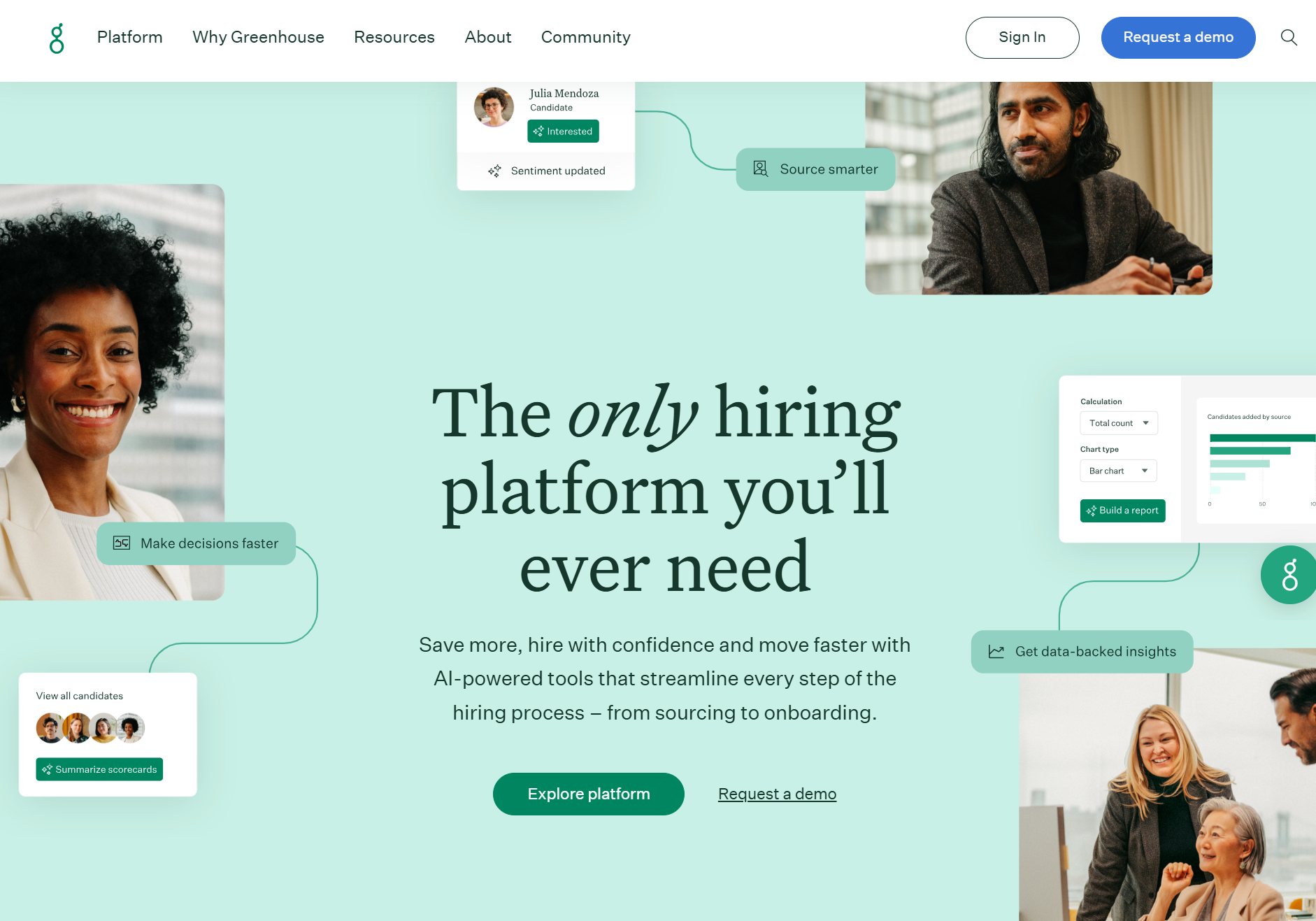
Very few ATS solutions like Greenhouse (and Kula ATS) can meet the high-volume hiring needs of enterprises. In particular, its scalable workflow allows organizations to manage the complexities and volumes of high-volume hiring, ensuring that no candidate is overlooked.
It allows you to take a personalized approach to hiring, from managing resumes to providing timely internal and external communication with applicants.
This recruiting software makes it easy to post new job openings across 1000+ job boards to reach more candidates. You can easily manage your bulk email outreach by automating and personalizing your message.
Right from the Greenhouse platform, you can make direct social posts and build a branded career page to make a deep impression on applicants. This recruitment software helps you to expand your employee network through referral programs and internal job boards.
Best for
Best for mid- to large-sized teams hiring at scale that need automated workflows, scheduling, and centralized candidate tracking in one system
Key features
- AI-powered candidate filtering with keyword matching, smart search, and recruiter-controlled decision-making
- Multi-channel job posting across 1,000+ job boards with bulk, personalized outreach campaigns
- Automated hiring workflows with task reminders to keep teams aligned and processes on track
- Structured interview kits with question templates, scorecards, and bias-reduction features like anonymized screening
- Real-time reporting with dashboards, pre-built reports, and customizable analytics for hiring performance
Why teams choose it
- It is an all-in-one hiring platform
- Supports organizations of all sizes with AI and automation
- Provides strong integration capabilities (500+ tools)
Limitations
- Steep learning curve
- Customizing reports can be difficult
Pricing
Greenhouse follows a custom, tiered pricing model with plans like Core, Plus, and Pro.
Contact the team for the pricing.
It offers a modular, not fully all-in-one approach, where each tier adds more advanced capabilities: Core covers structured hiring basics, Plus adds automation and deeper reporting, and Pro includes enterprise-grade governance, security, and extensibility.
👉 Using Greenhouse but considering a switch? Here are the best alternatives.
5. SmartRecruiters

SmartRecruiters is a comprehensive recruitment tool with an applicant tracking system, CRM, referral management capabilities, onboarding tools, and advanced tools designed to empower hiring teams.
With this SmartAssistant, modern hiring teams can instantly screen resumes and identify top talent without manual processes. Regardless of the volume of your applicants, this software helps you match candidate profiles to the open roles and scores them, but you have to be careful to maintain the human touch in recruiting.
This applicant tracking system also features SmartPal, a conversational AI that helps you automate FAQs for candidates and coordinate the recruiter's interview calendar. With this feature, you can improve candidate experience and increase response time due to SmartPal’s 24/7 availability.
Best for
Best for mid-sized to enterprise companies, with a high budget, looking for an AI-powered, end-to-end recruitment platform
Key features
- Built-in CRM for sourcing, nurturing, and managing candidate relationships
- Dynamic interview scheduling with automation to reduce back-and-forth coordination
- Multi-channel messaging with SMS, WhatsApp, and in-platform communication tools
- Offer management with automated workflows to speed up hiring decisions
- Native onboarding tools to streamline new hire setup and first-day readiness
- Career site builder for branded candidate experience and job discovery
- AI-powered screening, matching, and hiring assistance for faster decision-making
Why teams choose it
- Automates the complete recruitment process
- Provides unique AI and text recruiting features
- Top-notch customer account management and support team
Limitations
- Expensive tool for startups
- Pricing is not transparent
Pricing
SmartRecruiters follows a tiered, partially transparent pricing model, with plans like Essential, Professional, High Volume, and Complete. The Essential plan starts at $14,995/year, while higher-tier plans require custom pricing.
AI screening, conversational AI, advanced analytics, and sandbox environments are either unlocked in higher tiers or available as add-ons, which can increase total costs.
Pricing also scales with usage limits (like SMS and job distribution volume), making it more suitable for mid-sized to enterprise teams.
6. Pinpoint

I picked Pinpoint’s ATS for one reason: the scalability it offers for small and medium-sized enterprises.
From my extensive experience, I can safely conclude that PinPoint can help one-man HR teams and agencies save time and improve candidate engagement throughout the recruitment process.
Pinpoint also offers built-in automation to help recruiters streamline workflows from a candidate's communication to interview scheduling. You can alert candidates as they move to new stages.
Best for
Best for mid-sized to enterprise teams managing multi-role or multi-location hiring, with a core strength in automation and candidate experience
Key features
- Use AI career sites, job postings, and sourcing tools to reach more of the right candidates
- Automate workflows and communication to keep candidates engaged without extra effort
- Build and manage talent pools so you can fill roles faster when they open up
- Use AI scoring and structured interviews to make quicker and fairer hiring decisions
Why teams choose it
- Attentive customer support across phone, email, and chat
- Highly intuitive and user-friendly platform
- Run structured hiring workflows across roles, teams, and locations
Limitations
- No direct integration with Salesforce currently exists
- Some users reported challenges with the initial setup and the learning curve during adoption.
Pricing
Contact the team for pricing
Pinpoint positions itself typically as a premium, all-in-one ATS focused on candidate experience and structured hiring, so pricing is likely to be on the higher side, especially for teams with advanced needs.
There are no clear details on add-ons publicly, but since it’s a customized quote, final costs can vary depending on features, scale, and implementation requirements.
All-in-one ATS
7. Kula ATS
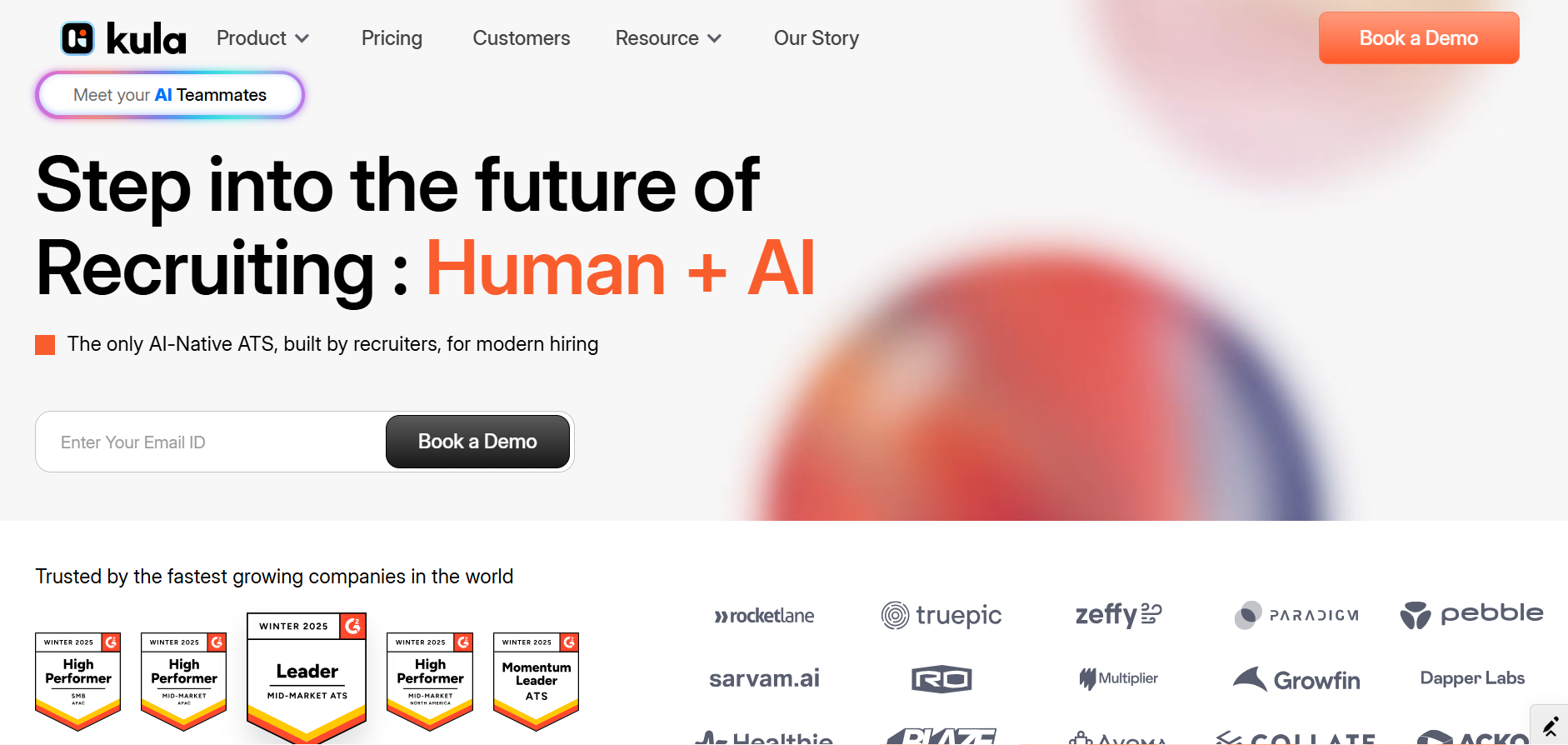
At Kula, we’ve developed an all-in-one applicant tracking system. You can create seamless workflows using AI and automations and free up your recruitment teams to focus on core functions across the hiring pipeline.
With our AI recruitment software, recruiters and hiring managers can discover the right candidate through advanced search features, which integrate with resume databases.
The platform has an automatic resume parsing feature, which allows you to upload and screen resumes in bulk.
You can also quickly post job openings on 100+ job boards and social media platforms such as LinkedIn, Facebook, and Twitter without juggling across different applications.
The platform also supports Google Jobs Search integration to access maximum exposure for all job postings. Export candidate profiles from LinkedIn and sync all in-mail exchanges with candidate data.
Best for
Teams that are looking for an advanced all-in-one solution with AI and automation for each hiring stage.
Key features
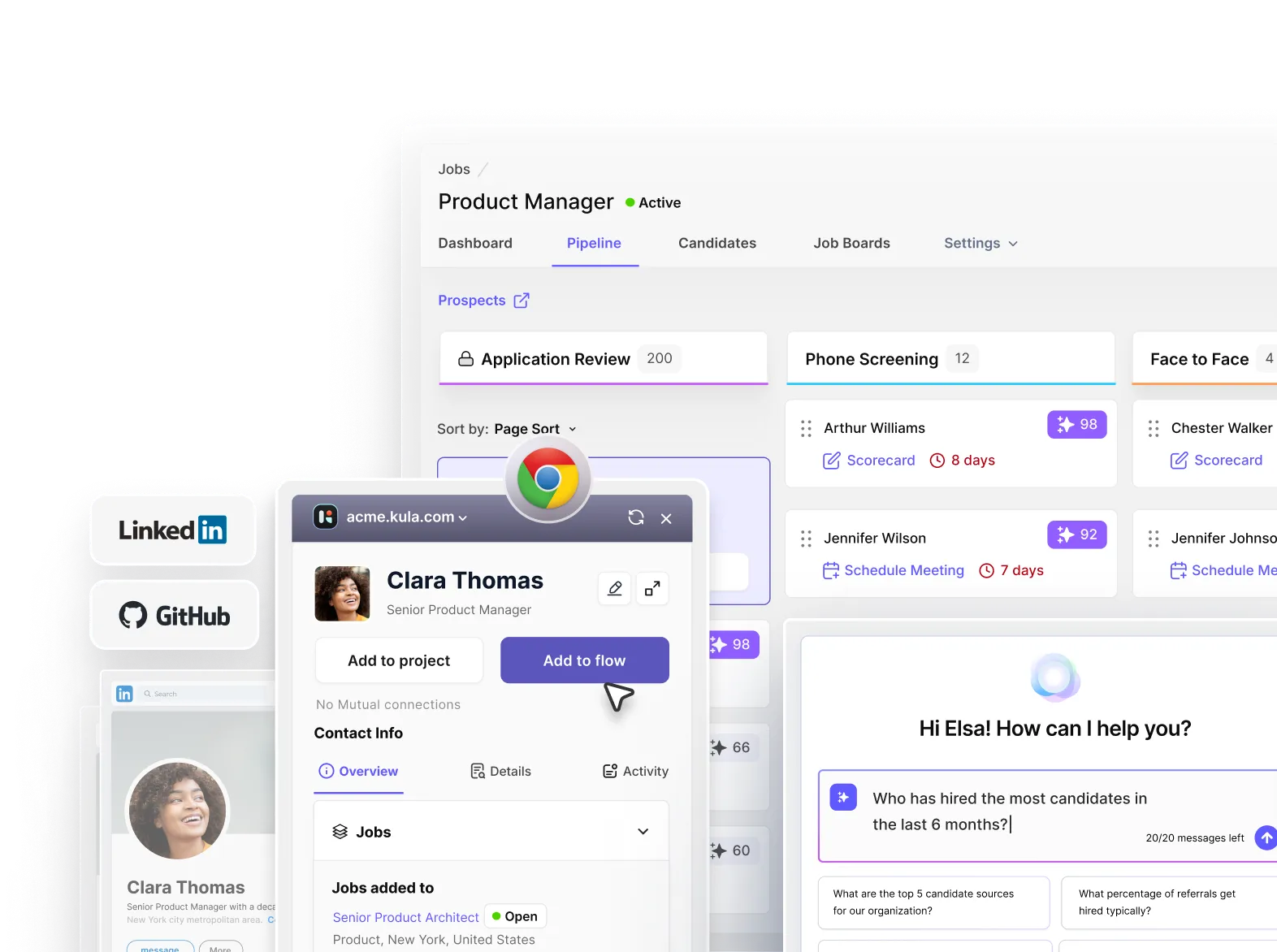
- Automate outreach via LinkedIn (InMails & connection requests) and email, add candidates from LinkedIn or GitHub to multiple-step flows.
- Offers AI-assisted notetaking, automated transcripts, intelligent summaries, and auto-fills scorecards based on your preferences.
- AI Scoring will automatically score and rank applications using a combination of skills, education, experience, and more to speed up screening process.
- Schedule interviews manually or provide self-scheduled links to candidates while considering interviewer load, availability across teammates, and more to make booking easy.
- Conversational AI enables you to extract deeper insights on pipeline and hiring performance in seconds by simply chatting in natural language.
Why teams choose it
- An AI-native ATS that requires no add-ons for core hiring functionalities
- Offers seamless integration with over 100+ tools
- Supports Generative AI for job descriptions, career pages, and outreach messages
- Easy to use and also performs monthly AI audits to keep compliance and bias in check.
Limitations
- One of the newer players in the ATS space (founded in 2021)
- Not suitable for staffing agencies or those looking for specific point solutions
Pricing
The platform follows a true all-in-one pricing model, starting at around $4,800/year (≈ $400/month billed annually), with pricing based on company headcount rather than per user.
This means you don’t pay extra as you add recruiters or hiring managers.
Unlike most ATS tools, it includes everything in one price without any add-ons or usage-based fees.
It also offers unlimited AI usage, which is often a paid add-on in other tools.
While the upfront cost may seem higher than basic ATS options, it can be more cost-effective in the long run by replacing multiple tools, with teams reportedly saving 30–50% on total recruiting software costs
8. Ashby

Ashby features a CRM, applicant tracking software, scheduling tools, and powerful analytics, a truly all-in-one platform.
One feature that caught my attention was how easily you could record and reach out to past applicants using Ashby. With this applicant tracking software, you can build your talent pool and access highly qualified candidates once you have a new job opening.
It has a thorough analytics and reporting system for reviewing and measuring any aspect of your hiring funnel.
Best for
For small to mid-sized companies looking for a tech-savvy ATS with strong customization capabilities.
Key features
- AI-powered candidate assistant with contextual insights, query-based search, and automated communication drafting
- Visual ATS pipelines with real-time candidate tracking and customizable interview workflows
- Advanced automation for scheduling, emails, assessments, and stage-based hiring actions
- Multi-channel sourcing with CRM, outreach sequences, and AI-assisted candidate search
- Custom interview plans with structured workflows, scorecards, and consistent evaluation processes
- Automated interview scheduling with self-booking links, availability requests, and calendar sync
- Integrations with tools like Slack, Zoom, and HR systems for seamless data sync
Why teams choose it
- Ashby supports deep customization of workflows, suitable for a complex hiring process
- All-in-one platform with AI and automated workflows
- Built-in e-signature to send offers and custom documents
- Proactive customer support team
Limitations
- Not for larger companies' hiring needs
- Ashby reporting is sometimes difficult to navigate
Pricing
Ashby follows a tiered, all-in-one pricing model based on company size and usage, starting at around $400/month for startups (up to 100 employees), with higher-tier plans (Plus and Enterprise) designed for scaling and large organizations.
Pricing is not per user but tied to company size and hiring needs.
It includes core ATS, CRM, sourcing, scheduling, and analytics in one platform, it is not entirely flat-priced, as optional add-ons like AI Notetaker and advanced scheduling can increase total costs.
👉The best alternatives for companies already using Ashby.
Sourcing & outbound-first platforms
9. Loxo

Loxo boasts a talent database of over 1.2 billion candidates across 100+ data sources. It also provides access to candidate profiles based on specific niches such as tech, healthcare, software engineering, and life sciences.
Loxo Outreach enables multi-channel campaigns that span email, SMS, LinkedIn InMails, and even voice calls to reach candidates faster. With a single click, you can fetch the specific details of a particular candidate to navigate better.
This applicant tracking system uses Outreach GPT to generate AI email content and customize it to your needs. Pre-built templates also help you design and streamline engagement campaigns.
Sometimes, AI-generated content & pre-built templates may be detected and land in the spam folder. In this case, stealth writer will be a helpful resource for you, where you can humanize your content in any tone and personalize emails with the built-in editing option.
After this, you can easily streamline your engagement campaigns.
Keep in mind outbound sourcing closes one side of the funnel. The other side is inbound applicants finding your job pages through search. That's a programmatic SEO problem, and ATS platforms don't solve it.
Best for
Best for recruitment agencies and sourcing-heavy teams that rely on large candidate databases and outbound outreach
Key features
- AI-powered talent intelligence platform combining ATS, CRM, sourcing, outreach, and reporting
- Customizable dashboards with detailed reports and insights based on hiring goals
- Access to 30,000+ job sites via Loxo Boost for wide candidate reach and targeted sourcing
- AI-driven sourcing to identify and reach the most relevant candidates faster
- Chrome extension for capturing, searching, and organizing candidate and client data seamlessly
Why teams choose it
- Robust candidate data enrichment features
- AI is integrated into the site architecture
Limitations
- Requires multiple add-ons, which makes pricing complicated
- Reporting lacks depth for advanced KPIs and business development tracking
Pricing
Loxo follows a freemium, per-user pricing model:
Free
Basic- $169/month
Professional- Custom
Enterprise- Custom
AI agents, omnichannel outreach automation, and sourcing tools (like Loxo Source) are only available in higher tiers.
While the free plan is useful for basic usage, most core value comes from paid plans, and pricing can scale quickly based on number of users, feature access, and additional data/contact credits.
10. Gem

Gem features a highly intuitive dashboard that offers a comprehensive overview of our candidate communications, including key milestones and career developments.
Gem’s automated outreach capabilities are formidable. It enables hiring teams to engage with both passive and active candidates and meticulously craft email sequences. Through this, you can ensure job listings gain substantial visibility across over 25,000 job boards.
Gem ATS also allows you to leverage Boolean search, advanced filters, and resume highlights to identify top candidates faster. Its interactive dashboards visualize the candidate pipeline to identify bottlenecks and spur immediate action.
Best for
Best for teams that rely heavily on automated outreach sequences to engage both active and passive candidates
Key features
- Interview scheduling with time zone optimization, candidate self-scheduling, and automated rescheduling
- Talent marketing with career sites, event landing pages, and talent community nurturing
- Full-funnel analytics with visual reports, hiring forecasts, and pipeline insights
- AI application screening with explainable match scores and fast candidate shortlisting
- Automated follow-ups and outreach optimization for higher response rates
Why teams choose it
- Ethical AI for generating queries and messages and gaining search filters to boost response rate
- Straightforward navigation bars that improve user experience
- Impressive integrations
Cons
- Expensive for startups and small companies
- Many users have reported slower support times.
Pricing
Gem follows a tiered, semi-custom pricing model based on company size (FTE):
Startups- $135/month
Growth- Custom
Enterprise- Custom
Key components like ATS, CRM, talent marketing, and integrations can be optional add-ons. It also includes usage-based elements like AI sourcing credits, which can impact cost as you scale.
Collaboration & usability-focused ATS
11. Recruitee

I liked how Recruitee has functionalities to involve your team members and in-house talent acquisition teams in the hiring process. For example, I can easily share candidate information and team notes to increase collaboration and transparency. Recruitee enables you to enhance sourcing efforts, gain comprehensive evaluations, and make feedback-driven decisions without bias.
During the interview stage, Recruitee becomes particularly valuable. You can access screening questions and schedule interviews seamlessly, thanks to integrations with popular video interviewing tools.
Also, it lets us store candidate information in talent pools to communicate future openings so that you do not always need to reach out to unaware applicants each time.
Best for
Recruitee is best for collaborative hiring and scaling recruitment for growing teams.
Key features
- Career site builder with customizable branding and SEO-optimized job pages
- Multi-posting to 2,900+ job boards to increase candidate reach
- AI-powered job description generation for faster and more consistent job creation
- Talent sourcing through referrals, agencies, and channels like WhatsApp hiring
- Integrations with HRIS, calendars, and external tools for a connected hiring stack
Why teams choose it
- Easy-to-use and intuitive interface, making adoption quick for hiring teams
- Strong collaboration features that keep recruiters and hiring managers aligned
Limitations
- Reporting and analytics can lack depth and advanced customization
- Customer support can be slow or difficult to reach at times
Pricing
Contact the team for pricing.
Recruitee follows a custom, tiered pricing model with plans like Start, Advance, and Optimize.
The platform is not strictly all-in-one, as several advanced capabilities (like texting, onboarding workflows, agency management, and HRIS) are offered as optional add-ons, which can increase total cost depending on your needs.
12. Lever

Lever ATS has one of the most intuitive designs and a lower learning curve.
With its CRM capabilities, you can increase your sourcing efforts across different platforms and enhance candidate nurturing activities, especially for passive candidates.
Its resume-parsing feature helps you review candidate information faster while providing collaboration tools to help you provide feedback.
Best for
Best for teams looking for a user-friendly ATS with a low learning curve and quick adoption
Key features
- Advanced analytics with dashboards to track hiring performance and pipeline insights
- Interview scheduling and coordination with full visibility across hiring stages
- Integration ecosystem with 300+ tools for seamless data syncing across HR systems
- AI-powered interview transcripts and summaries for faster, well-documented hiring decisions
- Centralized candidate management with customizable pipelines and stage tracking
Why teams choose it
- User-friendly interface for easy adoption
- ATS + CRM capabilities to manage candidates
- Provides SMS communication for candidate engagement
Limitations
- Expensive for startups
- Reporting lacks advanced customization
- Some users reported customer support as slow
Pricing
Contact the team for pricing.
It offers a core ATS + CRM platform bundled together, but onboarding, advanced automation, and AI interview tools are available as add-ons.
👉Check out our guide to Lever alternatives here.
HR-first platforms with ATS built-in
13. BambooHR
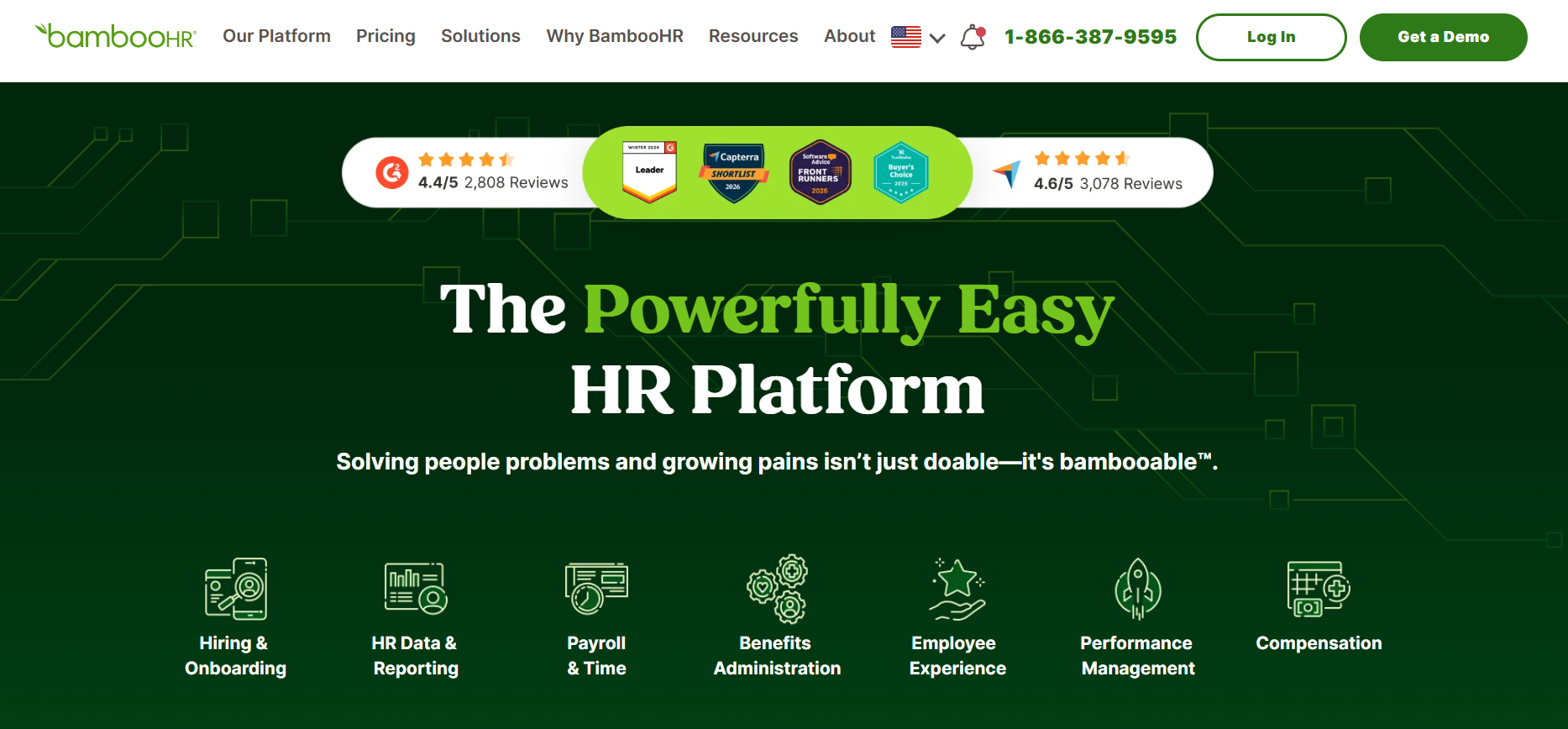
BambooHR helps manage hiring functions, benefits administration, employee management, and performance monitoring. It is also a Human Resource Information System (HRIS) that allows SMBs to manage their HR needs, especially when there is limited HR personnel.
This recruiting software has performance management features to help you identify top performers within your workforce and inform your decisions to fill the talent gap. It is useful for goal setting and progress monitoring to identify how your employees are doing their tasks.
BambooHR is one of the few applicant tracking systems with an offboarding feature that allows you to collect company property and deactivate system access. While most ATS solutions focus on talent acquisition and retention, BambooHR offers a critical feature in hiring processes.
Best for
Best for teams with limited HR resources looking for a simple, easy-to-use HRIS with built-in ATS capabilities
Key features
- Embedded AI for real-time insights, recommendations, and automated HR support
- Centralized HR data with reporting, analytics, and workforce insights
- Performance management with feedback, reviews, and employee development tracking
- Compensation management with benchmarking, planning, and approval workflows
- Employee experience tools to manage engagement, communication, and feedback
- Integrations with 150+ partner tools for a connected HR ecosystem
- Compliance tools to manage regulations, policies, and employee data securely
Why teams choose it
- Built-in approval workflows
- Offers mobile app
- Complete HR platform with ATS capabilities
- Intuitive UI
Limitations
- Limited reporting for the applicant tracking system
- No native AI-powered candidate matching
- Designed primarily for the US workforce
Pricing
BambooHR follows a per-employee, per-month pricing model:
Core: $10/employee/month
Pro: $17/employee/month
Elite: $25/employee/month
While core HR, onboarding, and basic ATS features are included in base plans, it is not fully all-in-one, as key capabilities like payroll, benefits administration, time tracking, and global hiring are offered as add-ons.
14. Workable
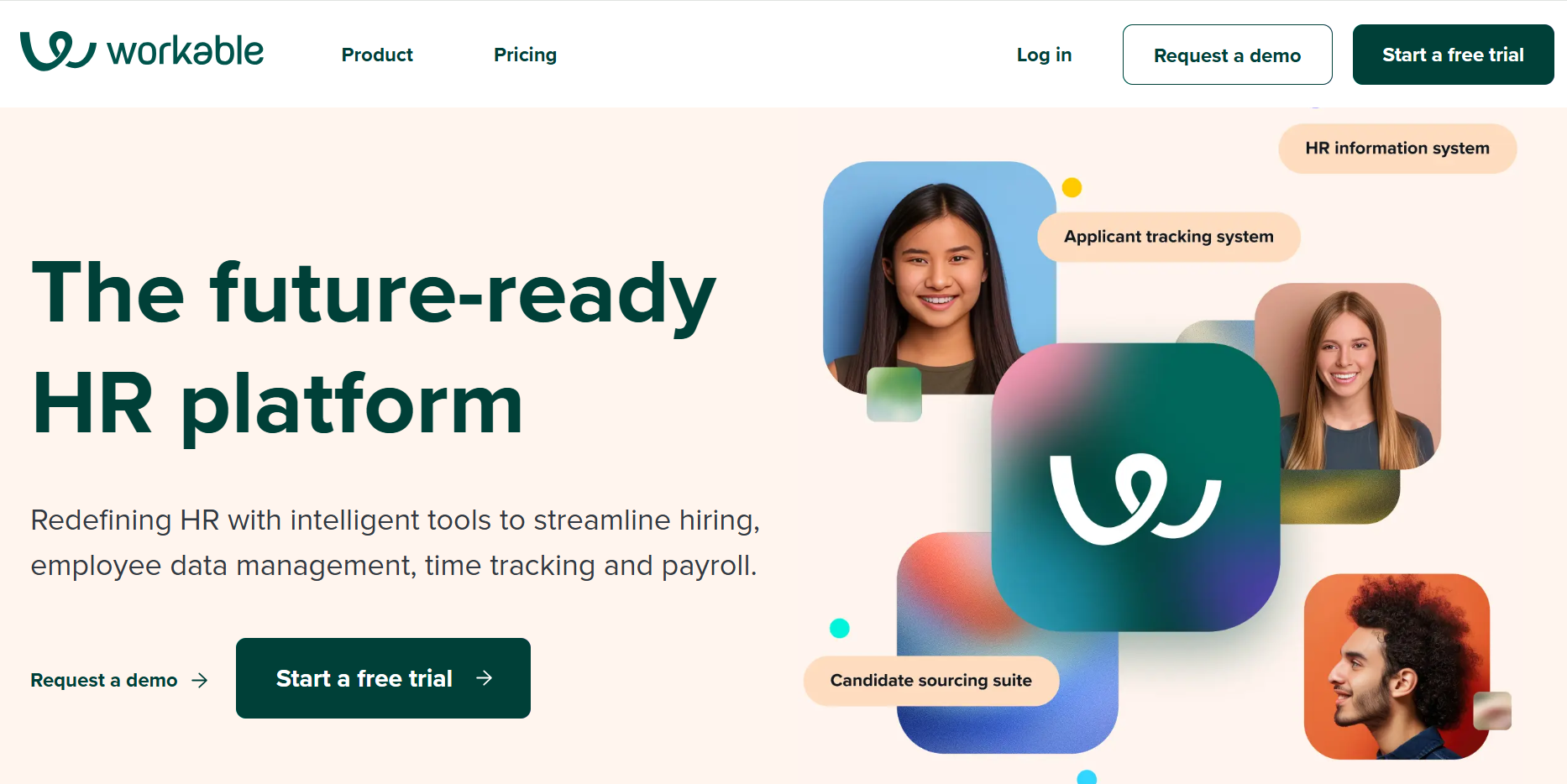
Workable is an all-in-one HR software that is designed to streamline recruitment for all businesses of all sizes.
Workable enables you to post jobs across 200 free and paid job boards to attract more job seekers. This applicant tracking system uses an automated targeted outreach structure to reach thousands of top applicants and save time evaluating candidates. Workable features a referral portal that enables you to tap into your employee network for your next best hire.
You can find offer letter templates, e-signatures, and approval workflows that enable you to onboard faster.
Best for
Teams looking for an easy-to-use HR-first ATS for small- to mid-sized businesses.
Key features
- Built-in talent CRM to manage candidate databases, pools, and past applicants
- AI-powered screening with match scores, summaries, and requirement checks
- One-way video interviews and science-backed assessments for efficient evaluation
- Structured interview kits and scorecards for consistent hiring decisions
- Collaboration tools with shared candidate profiles, notes, and feedback workflows
- Automated workflows for emails, outreach, and pipeline stage updates
- Interview scheduling with calendar sync and candidate self-scheduling
- Advanced reporting and customizable dashboards for hiring analytics
Why teams choose it
- Easy to navigate the platform
- Offers automated workflows
- Offer mobile apps for both iOS and Android
- Dedicated and responsive customer support
Limitations
- There are customization limitations in candidate management.
- AI features are still in beta.
Pricing
Workable follows a tiered, bundled pricing model:
Starter- $299/month (up to 20 employees)
Standard- $599/month (up to or more than 500)
Premium- $719/month (up to or more than 500)
It combines both ATS + HRIS capabilities but not fully bundled, as several key features in the Standard plan (like texting, video interviews, and assessments) are paid add-ons, which can increase total monthly costs.
Higher tiers include these features by default, making them more cost-effective at scale.
Workable also offers unlimited job postings (with fair usage limits) and includes sourcing, automation, and reporting features in base plans.
👉Check out our guide to Workable alternatives here!
Ecosystem-driven ATS
15. Zoho Recruit
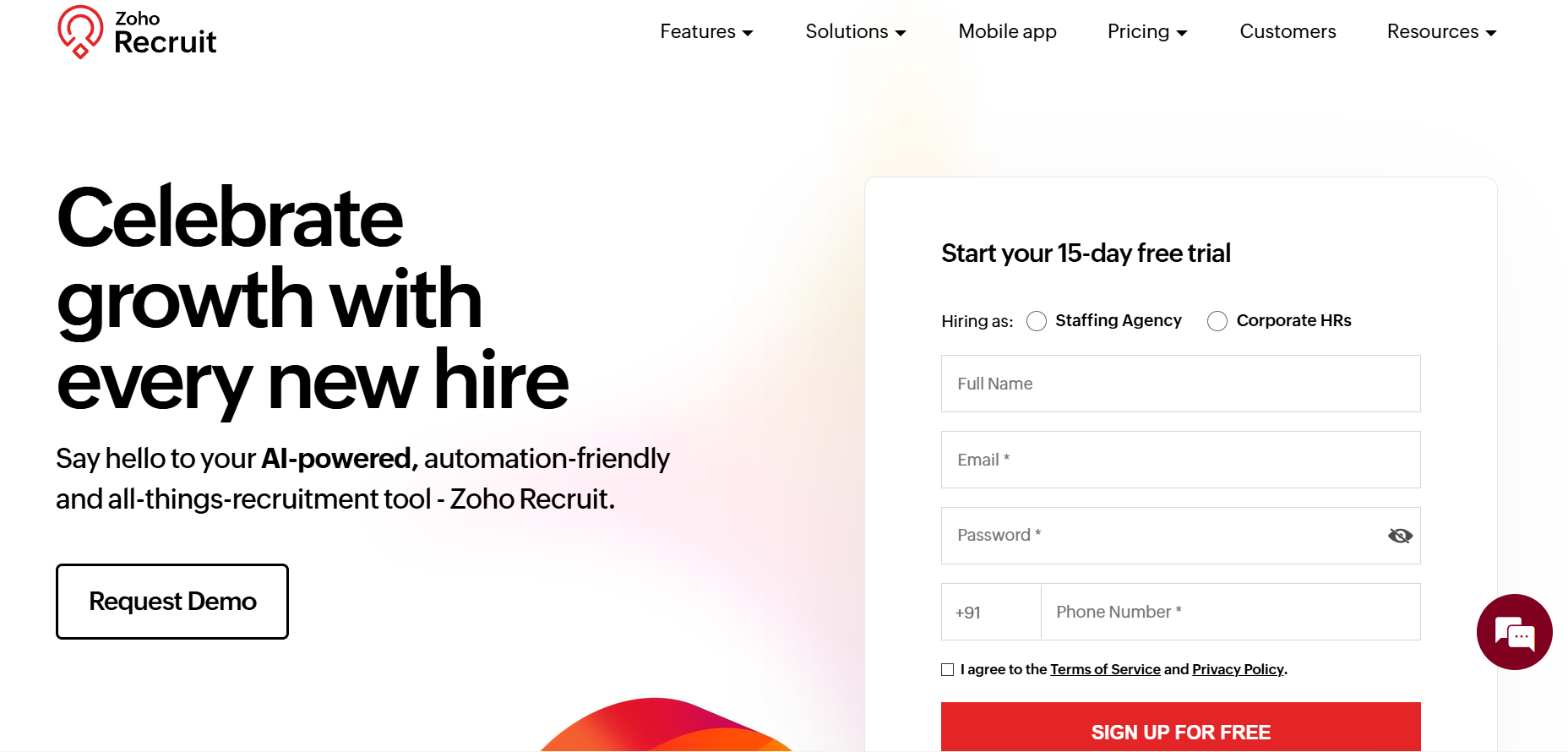
Zoho Recruit is a hugely popular tool. It is an easy choice for companies that heavily invest in Zoho's tech stack.
Zoho Recruit streamlines many aspects of recruitment processes, from candidate sourcing to the onboarding stage. As one of the tools of Zoho Corporation, this applicant tracking system integrates with over 50 in-house tools, including executive compensation accounting, marketing, sales, and many more.
You can get the best out of Zoho Recruit by integrating with tools within the same ecosystem. For example, users of Zoho Calendar, Zoho Mail, and Zoho Sites can connect Zoho Recruit to streamline interview scheduling, improve communication, and link the ATS with career sites.
Also, once the candidate’s details are in Zoho Recruit, Zia, the AI assistant, automatically reviews the candidate's information against job requirements and provides a compatibility rating. This helps in quickly identifying the most suitable candidates for further evaluation.
In addition to these capabilities, the tool performs the basic functions of categorizing candidates based on where they are in their hiring pipeline. Its analytics and reporting features also help you identify areas in your recruitment process that need extra effort.
Best for
Best for companies already using the Zoho ecosystem and looking for seamless integrations across tools
Key features
- Offers performance management tools and employee surveys
- AI-powered candidate matching (Zia) and sourcing bot
- Customizable hiring pipelines and candidate tracking
- Automated workflows for interview scheduling, approvals, and status updates
- Built-in email, telephony, and WhatsApp communication
- Structured interview scheduling, scorecards, and assessments
- AI-generated job descriptions, emails, and candidate summaries
- Mobile recruiting with iOS and Android apps
Why teams choose it
- Easy to use
- Offer extensive integration
- Offers AI and automated workflows
- Affordable
Limitations
- Comes with a learning curve
- Limited customization for career pages and branding
Pricing
Zoho Recruit follows a tiered, per-recruiter pricing model, starting with a "Forever Free" plan, a Standard Plan, and an Enterprise plan.
It offers a semi all-in-one approach, with core ATS, sourcing, automation, and AI features included in higher tiers, but also relies on add-ons like employee licenses, vendor portals, and video interviews
ATS Comparison Table: Compare Features, Pricing, and Fit at a Glance
.png)
Which ATS should you choose?
- If you are an SMB → use GoHire, JazzHR, or Manatal
Simple, affordable, and easy to set up without heavy implementation.
- If you are a startup with limited budget → use Manatal or Zoho Recruit
Low entry cost, decent automation, and enough features to get started.
- If you are scaling a tech or product team → use Ashby or Greenhouse
Strong workflows, structured hiring, and systems that won’t break as you scale.
- If you are hiring at high volume → use Greenhouse or SmartRecruiters
Built to handle complexity, large pipelines, and multi-role hiring.
- If you need deep analytics and reporting → use Ashby or Gem
Best for visibility, forecasting, and understanding your hiring funnel.
- If sourcing and outbound recruiting is your priority → use Loxo or Gem
Built for outreach, talent databases, and engagement at scale.
- If you already use Zoho ecosystem → use Zoho Recruit
Best value when integrated with existing Zoho tools.
- If you want HR + ATS in one system → use BambooHR or Workable
Good for teams that want hiring + employee management together.
- If you want everything in one place (no tool stacking) → use Kula
True all-in-one with AI, automation, sourcing, and analytics built in.
Eliminate repetitive tasks and free up recruiter bandwidth with the right ATS
We’ve built an innovative tool that assists you in focusing on the human side of recruiting while helping you save time and improve candidate quality and experience. It is an applicant tracking system designed to make recruiting easier, and its standout features cover both inbound and outbound recruiting.
Book a demo today to avoid switching between multiple tools.

An ATS software helps you gather data from third-party sources and categorize them based on your needed information. It allows you to remove applicants with resumes and experiences not aligned with the job requirements. This recruitment tool makes it easy to identify high performers and fill the talent gap within your organization.
Employers use applicant tracking systems to post new openings across different job boards and to source for candidates using specific keywords. It is also useful for tracking candidate statuses to see who they advance throughout the hiring process. With candidate tracking systems, employers can automate key tasks and handle thousands of applicants within a short time.
The best applicant tracking systems can read PDF files and resumes to make sense of the data. However, if the PDF is formatted wrongly or the resume has design elements, it can become tough to derive accurate data from the document.
Applicant tracking software is ideal for companies of all sizes as long as there's a need to hire new staff. Small-medium-sized businesses, large organizations, government agencies, non-profit organizations, recruiting agencies, and staffing firms looking to streamline their hiring process can use ATS software. Even the best applicant tracking systems of healthcare businesses are necessary to manage the high recruiting demands within the sector.
Small businesses can use an applicant tracking tool to save costs on administrative tasks related to HR and staffing needs. ATS software also provides an avenue for small businesses to remain organized, track data, and attract quality candidates regardless of company size. It is a means for small businesses to level the playing field and reach top talent even with a lesser budget than large corporations.