


Interview scheduling used to be a coordinator's job. In 2026, it is a bottleneck that determines whether the best candidates stay in your pipeline.
Companies now conduct 42% more interviews per hire than in 2021, with the average climbing from 14 to 20. Technical roles can require 35 to 36 interviews and 26 interviewer hours.
Every interview means coordinating candidate availability, hiring manager calendars, panel members, and time zones. Multiply that across dozens of candidates, and scheduling quickly becomes one of the biggest administrative drains on recruiting teams.
Recruiters can lose 4 to 6 hours a week to manual scheduling, with the burden reaching 16 hours on the high end.
This article breaks down the tools built to fix it, what to look for, and how to decide between point solutions and native ATS scheduling in a market where the gap between the two is closing fast.
Why scheduling has become the highest hidden cost in recruiting
Most teams underestimate how much scheduling actually costs them because the time is distributed across a hundred small tasks. For example:
The per-interview cost: 67% of recruiters say a single interview takes 30 minutes to 2 hours to schedule. The average recruiter runs 13 to 14 open roles. Multiplying that across a week, scheduling can quickly eat into hours better spent on hiring.
The weekly load: Manual scheduling takes 5 to 10 hours per recruiter per week on average. In extreme cases such as high-volume roles, complex panels, and multi-timezone coordination, it can climb up to 16 hours per week. That is two full working days per recruiter, per week, spent on calendar coordination.
The candidate loss problem: Time cost is only half the problem. Every scheduling delay is a candidate risk. A well-timed call can mean the difference between a candidate feeling excited about the opportunity or feeling disengaged. When interviews are postponed or mishandled, candidates may interpret it as disinterest or disorganization, leading them to pursue other offers. The best candidates are off the market in 10 days. If your team takes five days to schedule an initial screen, you have already lost half your window.
The compound effect at scale: One case study from the research: Workiva slashed annual scheduling time for recruiter screens from 250 hours to 30 hours after implementing native automated scheduling. A single recruiter managing 160 campus interviews reduced their workload from 20 hours per season to 1.3 hours. Across organizations, roughly 40 million monthly hours are estimated to be lost to fragmented recruiting tech.
The five specific scheduling problems that tools are trying to solve
Problem 1: The infinite back-and-forth loop
Check calendar. Send invite. Wait for reply. Reschedule. Repeat. What looks like a five-minute task often becomes days of unnecessary coordination, slowing down the hiring process.
Candidate self-scheduling and shared availability tools remove this friction by allowing candidates to choose from pre-approved interview slots.
Problem 2: Panel scheduling across multiple calendars
Coordinating a five-person interview panel across time zones is a fundamentally different problem from booking a one-on-one screen.
Point solutions like GoodTime and native platforms like Ashby, Greenhouse, and Kula offer built-in panel scheduling for coordinating multiple interviewers.
Problem 3: Interviewer load balancing
Some interviewers get five interviews a week. Others get zero. Manual scheduling gives no visibility into interviewer load, which produces both burnout and inconsistent candidate experience. Modern scheduling tools solve this problem by tracking interviewer availability and load.
Problem 4: Rescheduling and no-shows
Even after an interview is scheduled, candidates can miss it because they forget or confuse the timing. Automated reminders help keep interviews on track by prompting candidates before the meeting.
For example, one company reported that 24-hour interview reminders "significantly reduced the number of missed interviews caused by scheduling confusion."
Problem 5: Timezone coordination in remote and global teams
For remote-first companies, scheduling interviews across time zones quickly becomes a logistical challenge. Recruiters have to account for different working hours, daylight saving changes, and local time conversions, all of which increase the risk of scheduling errors.
As one recruiter put it, "Recruiters spend far too much time juggling time zones for scheduling."
Smart scheduling tools automatically detect each participant's time zone and display interview times in local time, eliminating manual conversions and reducing mistakes.
What to look for in interview scheduling software
1. Candidate self-scheduling with real availability
The candidate should see actual open slots on the interviewer's calendar and book directly instead of emailing back and forth with "here are three times that work for me."
The scheduling system should sync bi-directionally with the interviewee’s calendar so that availability is always up to date.
When a candidate books a 3 p.m. slot, it should immediately disappear from everyone else's booking page, preventing double bookings and scheduling conflicts.
2. Panel scheduling with automated coordination
For panel and multi-round interviews, the system should automatically find time slots where all required interviewers are available, and book the entire interview sequence at once.
If an interviewer declines or becomes unavailable, the system should automatically identify an alternate interviewer or suggest the next best time instead of forcing recruiters to coordinate the schedule manually.
3. Interviewer load balancing
The system should track how many interviews each interviewer has done this week or month and distribute new interviews accordingly. Native scheduling in modern platforms considers "interviewer load and availability" when suggesting slots.
4. Buffer time and calendar hygiene
The scheduling system must respect buffer time between interviews instead of filling every available slot.
As one recurring complaint about Lever: "It will schedule calls back to back and you can't set up a 10-minute buffer window."
A modern scheduling system should let recruiters configure buffer times, avoid conflicts with soft blocks like lunches, and respect working hours.
5. Deep calendar integration
Scheduling only works when the ATS and participants' calendars stay perfectly in sync. Otherwise, recruiters risk double bookings, outdated availability, and missed interview updates.
A modern scheduling system should offer bi-directional integration with Google Calendar, Outlook, and Microsoft 365 so that changes made in either the ATS or the calendar are reflected automatically.
It should also send real calendar invites instead of ICS attachments, automate interview reminders, and allow recruiters to reschedule interviews from either the ATS or their calendar without breaking synchronization.
6. Automated reminders and confirmations
Interview scheduling doesn't end when the calendar invite is sent. Candidates need reminders to reduce no-shows, interviewers need confirmations to ensure attendance, and hiring teams need prompts to keep the hiring process moving after the interview.
A modern scheduling system should automatically send 24-hour reminders to both candidates and interviewers, confirm when invitations are accepted, and follow up with interviewers who have not submitted feedback within 24 hours.
Top 7 Interview Scheduling Tool: Tool-by-tool honest assessment
Standalone scheduling tools
1. GoodTime
Best for: Enterprise and mid-market teams with complex panel scheduling needs and existing ATS they cannot replace.
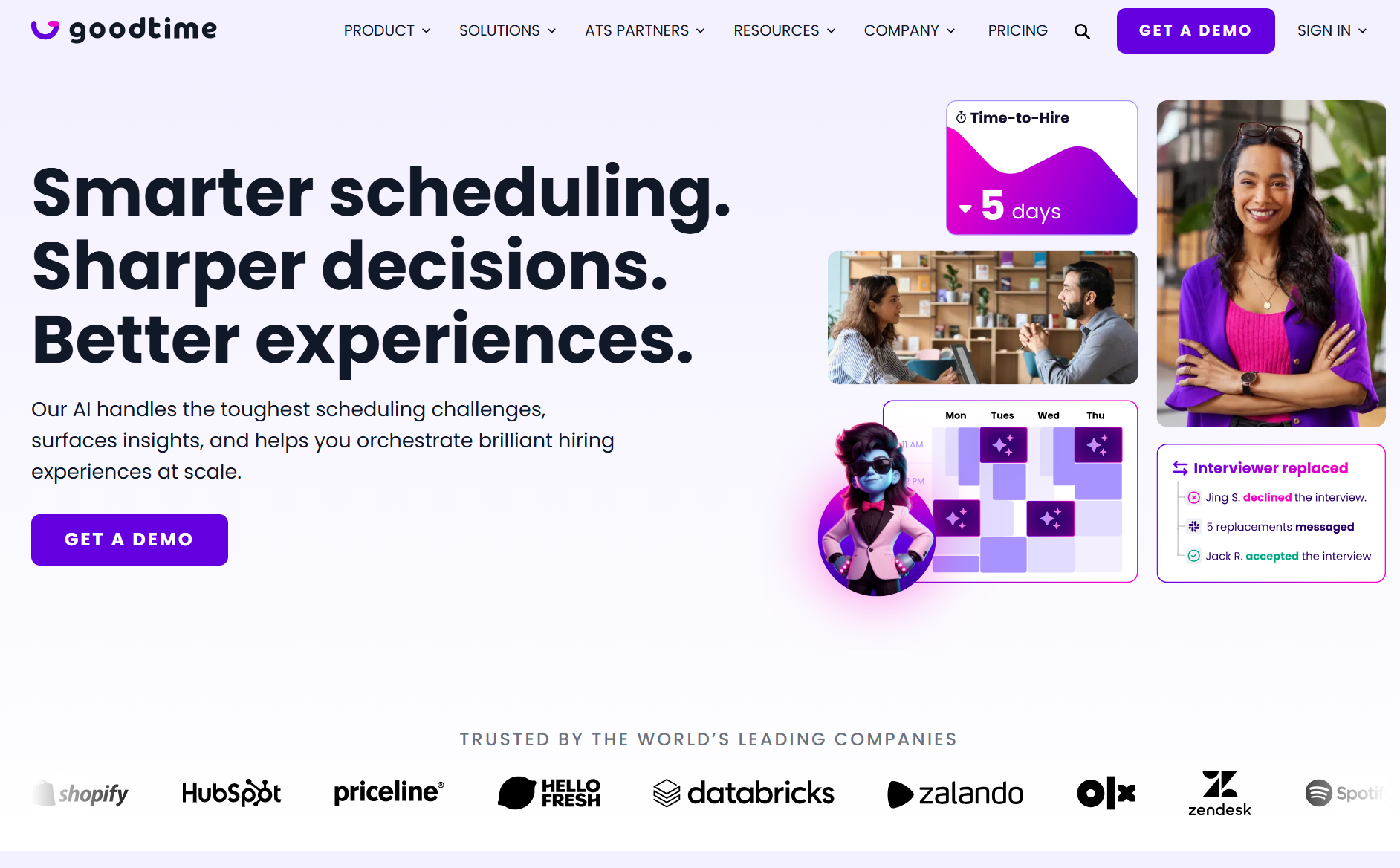
GoodTime's interview intelligence uses AI throughout the interview workflow. It continuously analyzes scheduling patterns, identifies bottlenecks, and provides actionable recommendations that help teams reduce delays.
Why teams choose it: Industry-standard for panel automation, strong interviewer pool management, tight Greenhouse integration. When combined with Calendly and Prelude, teams have reported an 80% reduction in weekly scheduling workload, down to 30-60 minutes per week.
Why teams struggle: It is a point solution that adds to the Franken-stack. Pricing is not transparent. Teams consolidating their stack eventually question whether the standalone tool is worth it once native ATS scheduling matures.
Honest verdict: Still a strong choice for enterprise teams with heavy Greenhouse investment. Increasingly hard to justify at mid-market when consolidated platforms match the feature set.
2. Calendly
Best for:Lightweight scheduling, initial recruiter screens, teams that want a simple booking layer.
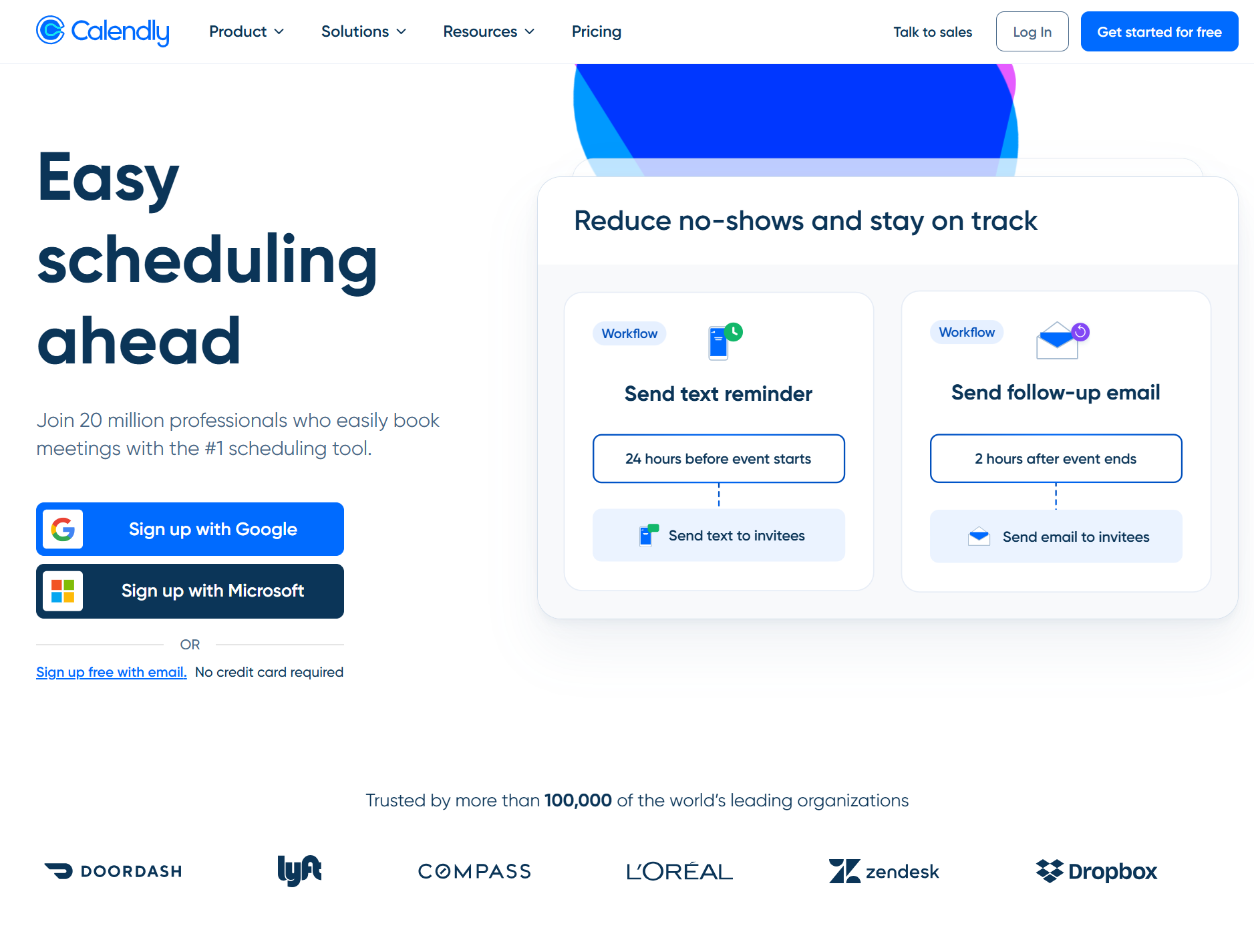
Calendly syncs with your calendars, shows real-time availability, routes candidates to the right recruiter or interviewer, and lets them self-schedule.
Why teams choose it: The standard link-based booking tool, easy to use, cheap, works everywhere.
Why teams struggle: It was not built for recruiting. No panel scheduling, no interviewer load balancing, no ATS integration depth. It is a workaround, not a recruiting solution.
Honest verdict: Fine for one-on-one initial screens. Not a real recruiting scheduling tool.
3. ModernLoop
Best for: High-volume interview scheduling with panel and load balancing needs.
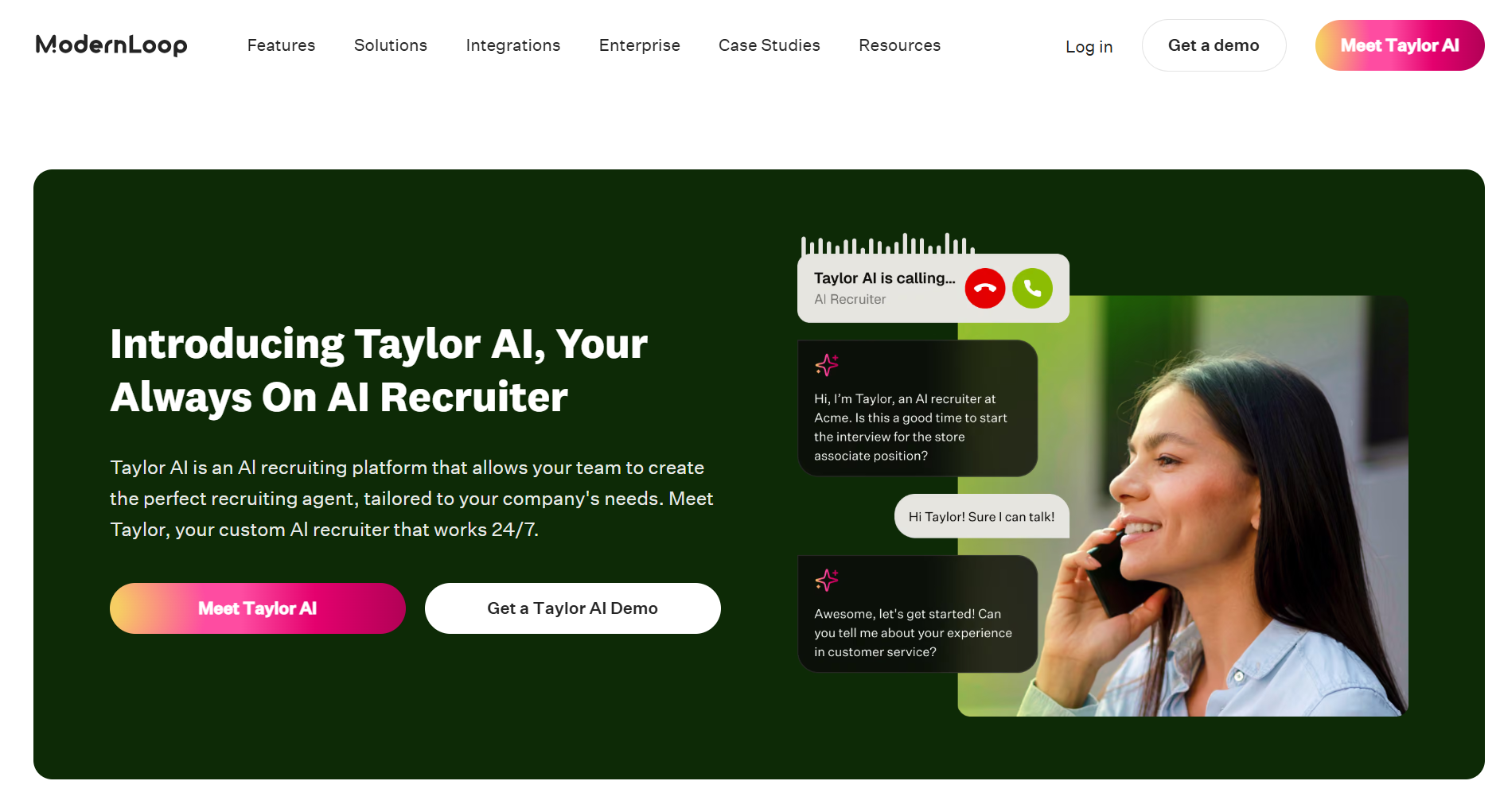
ModernLoop automates interview coordination from request to completion. Recruiters can trigger scheduling directly from their ATS, while AI matches interviewer availability, workload, and training status to build balanced interview panels.
Why teams choose it: Purpose-built for recruiting panel scheduling, strong at load balancing and interviewer pool management.
Why teams struggle: While ModernLoop automates interview scheduling, teams often struggle with a complex interface, limited workflow flexibility, and manual steps that slow down otherwise streamlined recruiting processes.
Honest verdict: A competent point solution so the Franken-stack question still applies.
Native ATS scheduling: the modern platforms
4. Ashby
Best for: Analytically sophisticated teams that want native scheduling as good as a point solution.
Ashby embeds AI throughout the interview and helps recruiters auto-schedule interview panels, provide interviewers contextual briefs, record and summarize interviews.
Why teams choose it: AI-driven panel scheduling, automatic interviewer substitution when someone declines, bi-directional Google and Outlook sync, real calendar invites instead of ICS files, timezone auto-adjustment.
Why teams struggle: Steep learning curve for non-technical users.
Honest verdict: The strongest native ATS scheduling on the market. For teams already using Ashby, no reason to add a point solution.
5. Greenhouse
Best for: Teams already committed to Greenhouse who want basic scheduling.
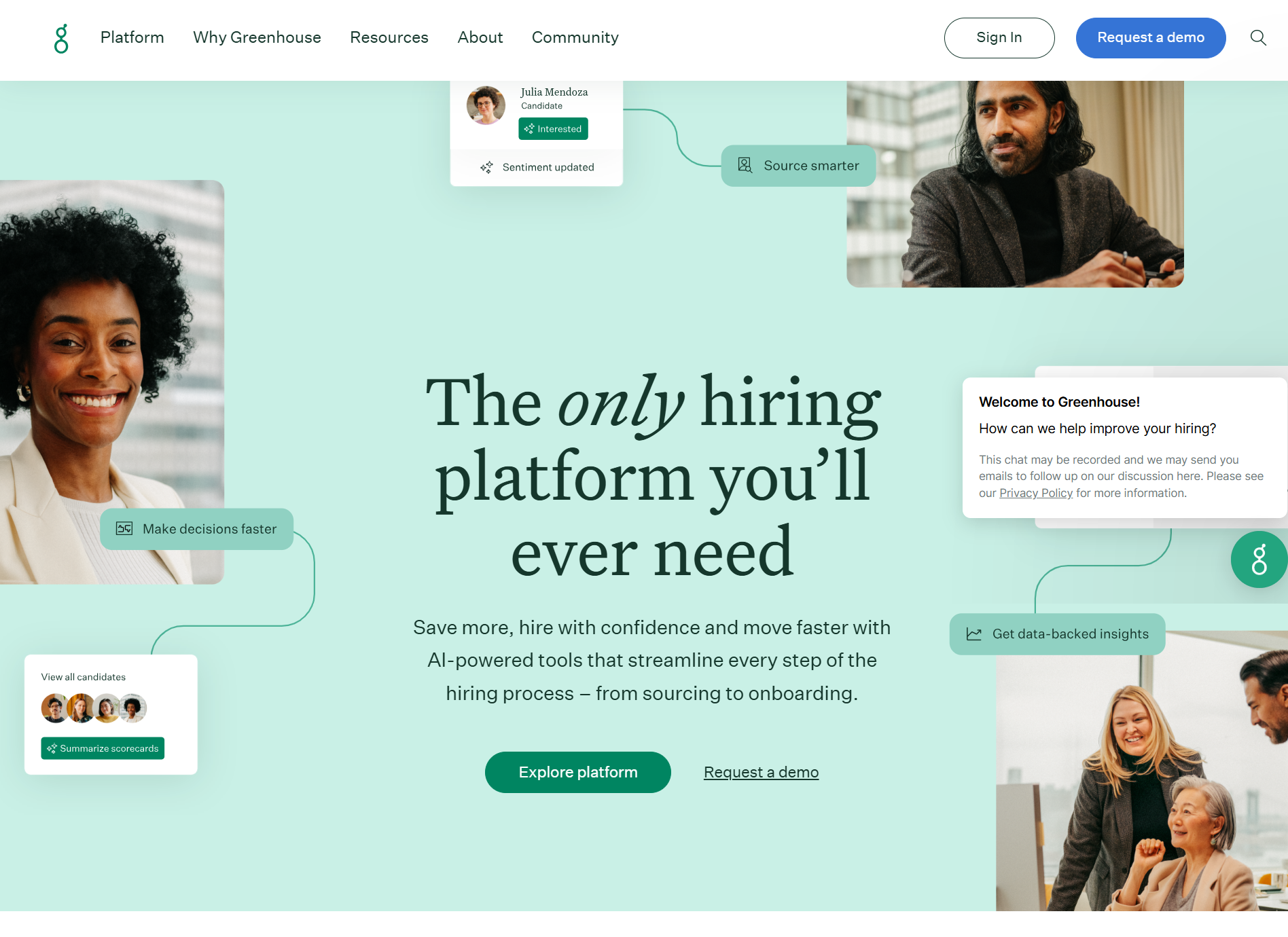
Greenhouse embeds interview intelligence into a structured hiring workflow. It generates interview plans, scorecards, blinded feedback, reminder notifications, and schedules interviews automatically.
Why teams choose it: Teams choose Greenhouse because it brings order to collaborative hiring. Interviewers know what to evaluate, recruiters spend less time chasing feedback, and hiring managers can make decisions using consistent input instead of scattered opinions.
Why teams struggle: The research surfaces significant limitations. Outlook integration is incomplete, as accept and decline responses do not sync back to Greenhouse. Scheduling is limited to 15, 30, or 45-minute increments. Interviewers and candidates must be added in separate steps, with no automatic population. There is also no “schedule send” option for invites or CC option for coordinators. Candidate self-scheduling is restricted to higher-tier plans.
Honest verdict: Functional but underpowered. Most Greenhouse customers pair it with GoodTime or Prelude for a reason.
6. Lever (native scheduling)
Best for: Teams with basic scheduling needs and existing Lever investment.
Lever automatically records and transcribes interviews, schedules interviews based on the interviewer's availability, generates AI summaries, and suggests next steps based on candidate signals.
Why teams choose it: Teams choose Lever because it keeps every interview in one place. Scheduling, interview feedback, notes, forms, and recruiter communication all stay connected to the candidate profile, making it easier for hiring teams to stay aligned without juggling emails or separate tools.
Why teams struggle: Easybook links cannot be shared with multiple candidates simultaneously. There are no custom buffer controls, and panel scheduling is relatively rigid. Older configurations required recruiters to delete and recreate interviews when rescheduling. One reviewer specifically called the panel scheduling visuals “clunky.” Recruiters also frequently mention supplementing Lever with Calendly for scheduling
Honest verdict: Not a competitive scheduling solution in 2026. If Lever is your ATS, you will need a point solution.
7. Workable (native scheduling)
Best for: Lower mid-market teams with straightforward scheduling.
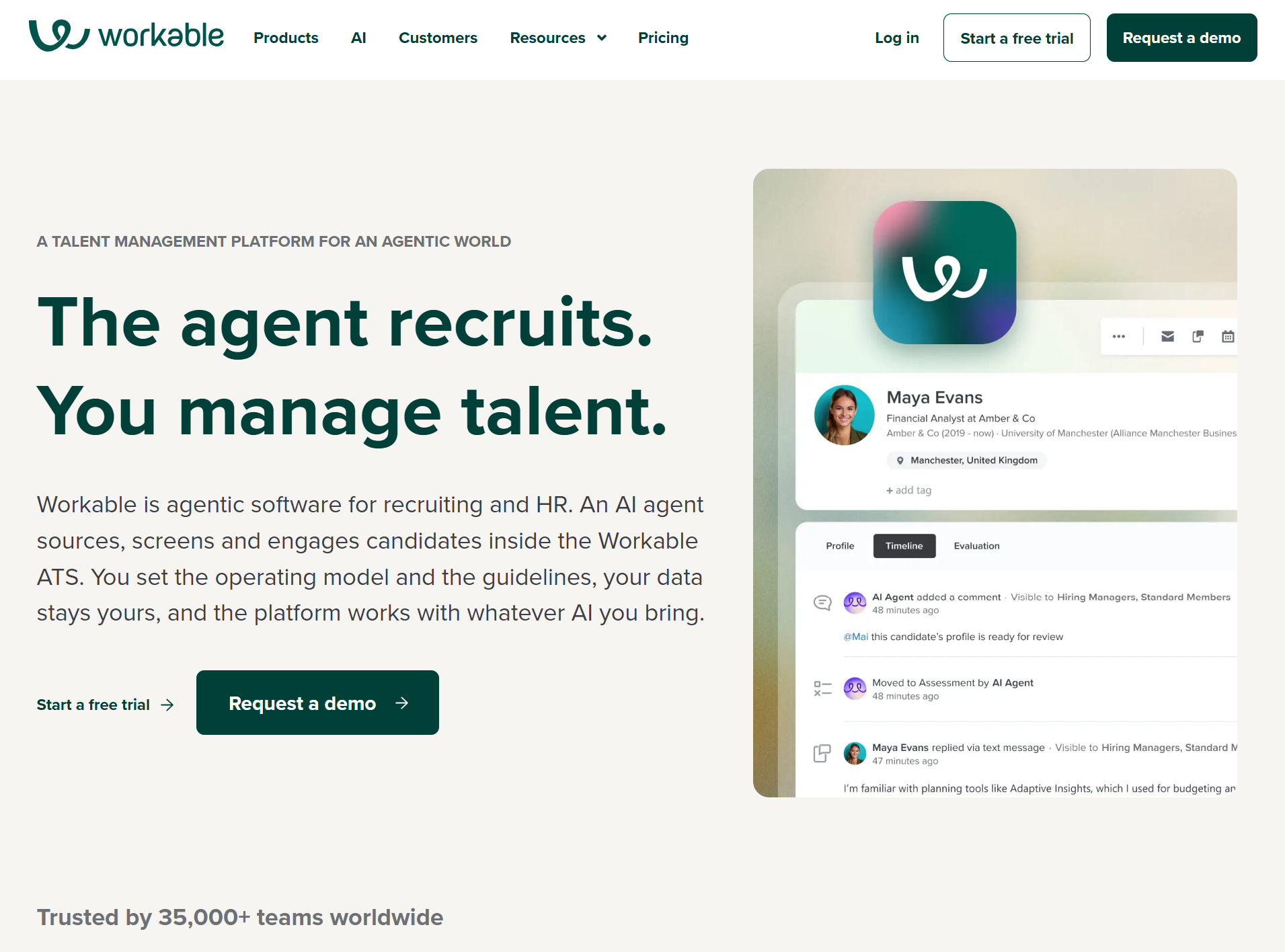
With Workable, recruiters can generate role-specific interview questions, create interview kits and scorecards, and candidates can self-schedule interviews, while hiring teams collaborate through shared candidate profiles, feedback, email, and calendar integrations.
Why teams choose it: Workable's intuitive UI, centralized interview feedback, and standardized scorecards say they make collaboration easier, keep evaluations consistent, and simplify the interview process for both recruiters and hiring managers.
Why teams struggle: Outlook glitches, Google Calendar link bugs, no ability to limit interviews per day, self-scheduling bugs reported by admin teams.
Honest verdict: Workable for simple cases, breaks at volume.
8. Kula
Best for: Teams consolidating their scheduling into an AI-native ATS.
Kula’s Interview Intelligence captures interview recordings, generates transcripts and summaries, and uses them to auto-fill scorecards with relevant feedback.
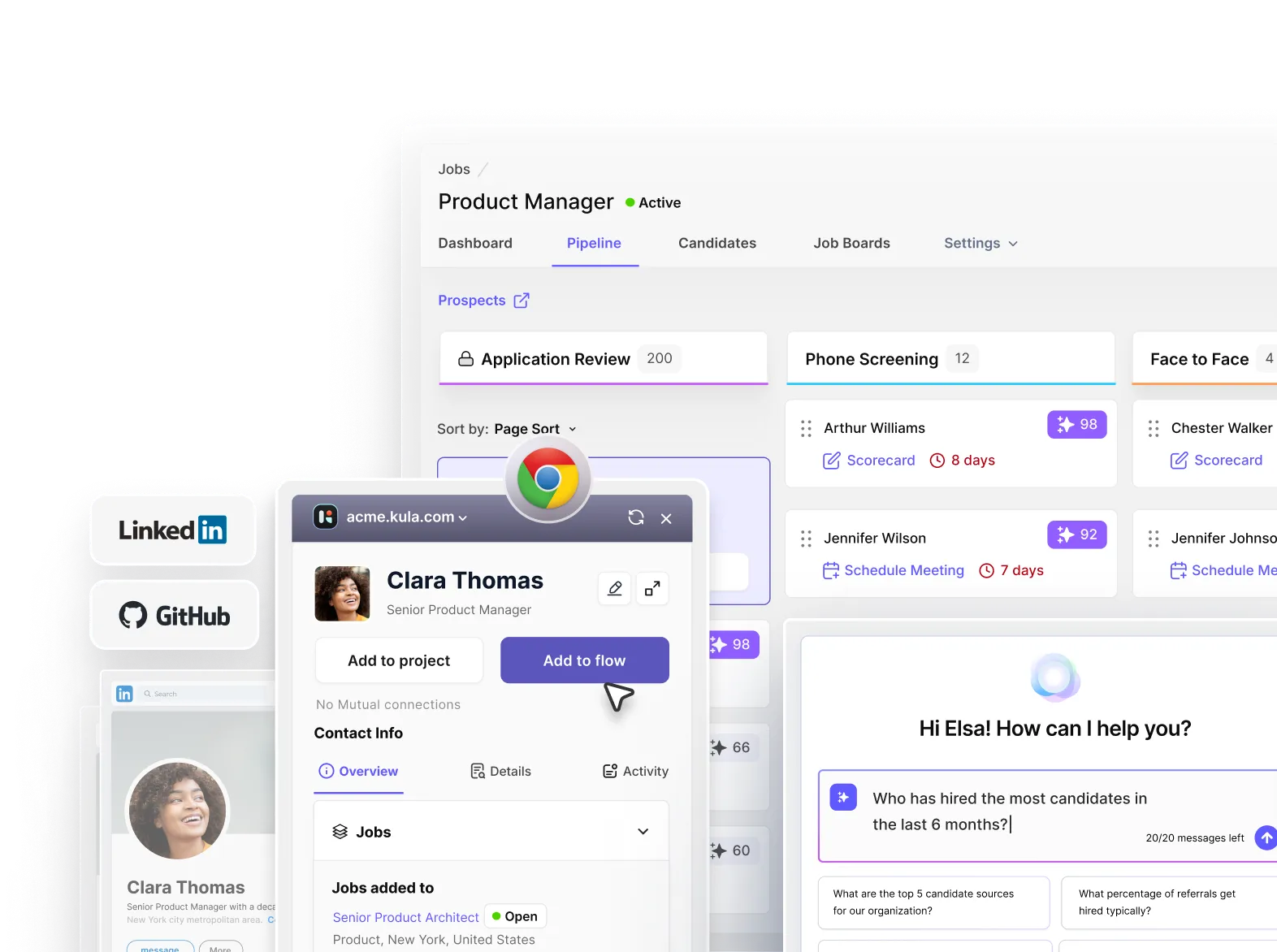
Why teams choose it: Built-in scheduling automation that considers interviewer load and availability. Panel scheduling across time zones in a single view. Real-time bi-directional sync. Native Outlook integration. Automated interviewer feedback nudges within 24 hours.
Why the team struggles: Not the right fit for an enterprise team with 10,000-plus employees or for a 10-person company making its first five hires.
Honest verdict: Strong native scheduling in a consolidated platform. Not the right fit for staffing agencies or teams that only need scheduling.
Should you use a point solution or native ATS scheduling?
Use a standalone scheduling tool if:
- Your ATS is Greenhouse, Lever, or Workable and native scheduling has known limitations
- You have complex panel or high-volume scheduling that native ATS scheduling cannot handle
- You cannot switch ATSs and need the scheduling problem solved now
- Your team is willing to manage the additional tool, integration, and cost
Use native ATS scheduling if:
- Your ATS is Ashby or Kula, native scheduling matches or exceeds most point solutions
- You are consolidating your stack and reducing tool count is a strategic priority
- You want scheduling data to live in the same system as candidate data, without integration overhead
- Your CFO has started asking why you have five recruiting tools
The trend is clear. In 2023, the answer was "buy the point solution because native ATS scheduling was garbage." In 2026, native scheduling in modern platforms has closed the gap significantly. The teams still adding point solutions are the ones stuck on legacy ATSs.
The three questions that decide which tool is right
Question 1: Which ATS are you on today? If it is Ashby or Kula, native scheduling is likely sufficient. If it is Greenhouse or Lever, you likely need a point solution or an ATS switch.
Question 2: What's your interview complexity? Simple one-on-one screens are solved by Calendly. Panel interviews with load balancing require GoodTime, ModernLoop, or modern native scheduling.
Question 3: Are you consolidating or optimizing? If your goal is fewer tools, do not add a scheduling point solution; evaluate whether a modern ATS with native scheduling replaces both. If your goal is to fix the scheduling problem without touching the ATS, a point solution is faster.
If your answers point toward consolidating your recruiting stack, Kula brings native scheduling, panel coordination, time zone handling, and bi-directional Outlook integration into the same ATS.
Want to see how it works? Book a demo.