


An early-stage startup’s hiring needs are entirely different from those of a 500-person company, yet most ATS comparison articles treat them the same.
In a startup, the recruiter is often also the coordinator, scheduler, sourcer, and hiring manager liaison. There’s no IT support, no dedicated recruiting operations function, and little patience for a six-week rollout.
Many ATS platforms were originally built for enterprise organizations, and their implementation, pricing, and workflows reflect that.
But there is a new category of modern tools built specifically for teams that need to act like a big company without the headcount.
This article helps you find the right one for where you are right now, and flags the ceiling you will hit if you do not think one stage ahead.
Why most ATS guides miss the point for startups
Most ATS comparison articles assume the buyer is choosing software based heavily on features, pricing, and vendor comparisons.
But for a 30-person company with two recruiters and a founder who wants to stay involved in every engineering hire, those aren't the first questions.
What actually matters at the startup stage:
- Can we go live this week, not in six weeks
- Can hiring managers participate without a training session
- Is everything in one place, so we are not managing three tools
- Does the pricing scale with us or punish us as we grow
- Is there AI built in natively, not bolted on
One founder put it directly: "With other ATSs, every single one of them said, if you're smaller than 50 people, we don't want to talk to you."
Another team was spending 20 hours a week running their process across Google Docs, Excel, and Slack before they got an ATS.”
These guides also tend to overlook the tradeoffs involved in ATS selection. Every ATS has strengths, but those strengths usually come with compromises. More reporting often means more setup and administration. More customization can mean a steeper learning curve.
Another mistake these guides make is assuming all startups are the same.
While in practice, there are different startup stages where hiring operations vary. A company making its first 10 hires has very different needs from one hiring 100 people a year.
Early-stage startups need an ATS with fast setup and basic hiring automation, whereas scaling startups demand advanced functionality, such as native sourcing and outreach, AI screening, and built-in scheduling.
But choosing the wrong tool at the wrong stage costs you on the other side.
The three startup hiring stages, and what each one needs from an ATS
Stage 1: Pre-ATS (0–20 hires, 1–30 employees)
At this stage, hiring volume is low, so the recruiting is still founder-led. Recruiters may not exist yet, and if they do, it's often a single person handling everything.
The main need at this stage is adding structure to the hiring by getting off spreadsheets and having a single place for candidate tracking, interview notes, and status visibility.
Pricing is the primary constraint. They simply need something that is affordable, easy to learn, and quick to implement.
One recruiter mentioned:
“We moved to HireTrace and liked the automation and how simple the UI is. The best part is the usage-based pricing. because we only have to pay when we are actively hiring, which makes a lot of sense for a startup.
What to look for: Fast setup, intuitive UI, basic pipeline management, job posting, and email templates.
What does not matter yet: Advanced analytics, AI screening, sourcing automation, and complex approval workflows.
Stage 2: Growing fast (20–100 hires per year, 30–200 employees)
This is where most teams hit the ceiling of their first tool without realizing it.
Volume increases, more hiring managers are involved, feedback loops slow down, and the reporting dashboard that seemed fine is now producing numbers nobody trusts.
The biggest challenge is no longer organization, it's coordination.
Interview feedback starts arriving through Slack instead of the ATS. Recruiters create internal documentation to explain how hiring managers should use the system. Reporting becomes unreliable because people are working outside established workflows.
One team described this transition: "We thought Workable was amazing because we had nothing to compare it to. Then came 100+ unqualified applicants from Indeed with no AI to filter, fragmented feedback cycles, and no native LinkedIn integration at scale.”
When a recruiter on Reddit asked which ATS they should choose for a 12-person startup hiring 3–4 people, one of the replies highlighted something most teams completely overlook:
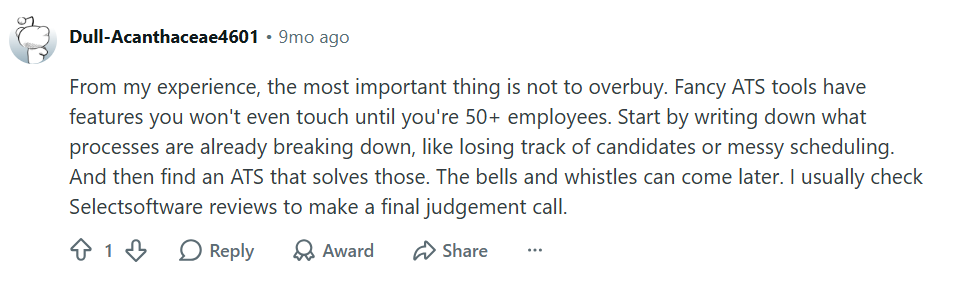
What to look for: AI-assisted screening, structured interview workflows, automated scheduling, hiring manager access without training overhead, and advanced reporting.
A frequently overlooked consideration at this stage is pricing structure. Per-seat pricing may look reasonable when only a recruiter uses the system, but it becomes harder to justify when dozens of hiring managers and interviewers need occasional access.
Go for an ATS that offers unlimited or low-cost hiring manager access so collaboration can scale without īncreasing costs.
What does not matter yet: Enterprise governance features, highly customizable workflows, advanced compliance controls, and deep HRIS or payroll integrations.
Stage 3: Scaling (100+ hires per year, 200–1,000 employees)
At this stage, the startup has enterprise-level problems with startup-level infrastructure.
The ATS needs to handle multi-department hiring, support a TA team of more than one or two people, provide executive-level reporting, and ideally consolidate the sourcing and CRM tools that have accumulated alongside it.
The Franken-stack problem peaks here. Over the years, teams have added separate tools for sourcing, scheduling, candidate relationship management, analytics, and interview intelligence. One team described the situation succinctly: "Managing three different systems, an ATS plus two point solutions, was expensive and hard for a startup to justify."
This is the stage where teams shift to an all-in-one platform.
What to look for: Native sourcing and outreach, built-in scheduling, AI scoring, conversational analytics, and no required add-ons for core functionality.
What does not matter as much: Standalone best-in-class point solutions for sourcing, scheduling, or interview intelligence.
The one question that determines which stage you're in
Ask yourself one question: Are you trying to get organized, or are you trying to scale?
If you're still managing candidates in spreadsheets or emails, your priority is organization. A lightweight ATS is enough to centralize hiring and streamline your process.
If you already have an ATS but your team relies on spreadsheets, point solutions, or manual workarounds, the problem isn't organization, it's scale.
In that case, another feature or add-on won't help. You need an ATS that replaces fragmented workflows with a single platform.
The comparisons above will help you identify which stage you're in and choose the right tool for your hiring needs.
The pricing trap startups fall into
One of the most consistent findings in the research: startups underestimate long-term pricing and overweight upfront cost. Three specific traps:
1. The per-seat trap
Tools that charge per user seat punish growth.
This model is best-suited for scaling companies or the one that knows how many members need access.
When 80% of the company only touches the ATS two or three times a year as interview panelists, per-seat pricing becomes irrational fast. One Lever reviewer called it out directly: "For small startups, it's perfect to get going, but it's very expensive to have to pay for the other 80% who only use the system once or twice a year."
At first glance, paying per user seems reasonable. A startup may have one recruiter and a hiring manager or two, making the monthly cost look manageable. The problem emerges when hiring becomes more collaborative.
As the company grows, dozens of people become involved in hiring:
- Hiring managers
- Department heads
- Interview panelists
- Executives
This is why many scaling startups begin prioritizing platforms that offer unlimited hiring manager access or distinguish between recruiter seats and occasional users.
2. The integration tax
Some platforms look affordable until you add the cost of the integrations they require to be functional.
Most modern ATS vendors promote integrations with sourcing platforms, job boards, scheduling tools, assessment platforms, CRM systems, and HR software. What isn't always obvious is that some of those integrations require separate premium subscriptions.
One startup discovered mid-implementation that their ATS required premium subscriptions with both Handshake and LinkedIn to use integrations they assumed were included.
The lesson is simple: an integration listed on a pricing page does not automatically mean it is included in the price you're paying.
Before committing, ask:
- Which integrations require additional vendor subscriptions?
- Which features are available only on higher pricing tiers?
- What additional software will we need to purchase to make this ATS work the way we expect?
3. The cheap-now, expensive-later trap
Startups often compare vendors based on current hiring needs rather than future hiring realities.
A platform that costs slightly less today may require multiple add-ons, separate sourcing tools, scheduling software, or CRM products as hiring complexity grows.
One team described the decision between two tools this way: "Teamtailor looked a little cheaper upfront, but would have been more expensive as we scaled. What pushed the other tool across the finish line was that everything is native to the platform."
The practical advice: ask vendors for pricing for:
- Your current headcount
- Double your current headcount
- Your expected hiring volume 12–24 months from now
Then ask what additional costs might appear along the way.
If a vendor struggles to provide a clear answer about how costs scale as your company grows, that's often a warning sign in itself.
The five things that actually matter for startups when evaluating an ATS
1. Time to live, not time to full adoption
Most vendors talk about implementation timelines in terms of weeks. Startups think in terms of days.
Can you post a job, run a candidate through the pipeline, and have a hiring manager submit feedback within 48 hours of signing? If setup requires multiple onboarding calls, workflow consulting, extensive configuration, or a six-week onboarding, it is not a startup tool.
One recruiting leader put it bluntly: "We didn't have the time to spend weeks onboarding and implementing a complicated recruiting stack. We wanted to be up and running quickly."
2. Hiring manager participation without training
Hiring managers at startups are engineers, product leads, and founders, not HR professionals.
Recruiting is only a small part of their job. If the system requires a training session before a hiring manager can view a candidate or submit feedback, adoption will fail.
The best startup ATSs are intuitive enough that occasional users can contribute immediately without documentation or training.
3. Native everything, bolt-ons nothing
Every integration you add is a cost, a maintenance burden, and a potential failure point. Every additional integration introduces:
- Another subscription
- Another vendor relationship
- Another point of failure
- Another tool employees must learn
As one reviewer noted: "If you're serious about AI-driven recruiting, make sure the features are truly native, not bolt-ons."
Scheduling, sourcing, feedback, and reporting should all live in the same system. The moment you need a separate tool for any of these, the cost and complexity compound.
4. AI that is actually useful, not a feature badge
In 2026, most tools claim to be AI. Few have built it into the core workflow. The question to ask is not "do you have AI" but "what does the AI actually do in my day-to-day process”.
For example, does it screen and score candidates, does it draft outreach, does it flag pipeline bottlenecks, does it answer questions about your hiring data? If the answer is "we have an AI job description writer," that is a badge, not a capability.
If the AI doesn't meaningfully reduce recruiter workload or improve decision-making, it isn't solving a real problem.
5. Support that answers the phone
Startups have no IT or ops support to handle vendor troubleshooting.
When something breaks, integrations fail, permissions stop working, or workflows need adjustment, there is usually one recruiter trying to solve the problem while continuing to hire.
Before signing a contract, ask:
- How quickly does support respond?
- What are the service level agreements (SLAs)?
- Do we get a named customer success contact?
- Is support available by phone, chat, or only email?
- What happens during implementation?
Most startups don't need enterprise consulting. They need quick answers when something goes wrong.
Top 5 ATS tools for Startups: Tool-by-tool honest assessment
1. Workable
Best for early-stage startups with 0–50 hires
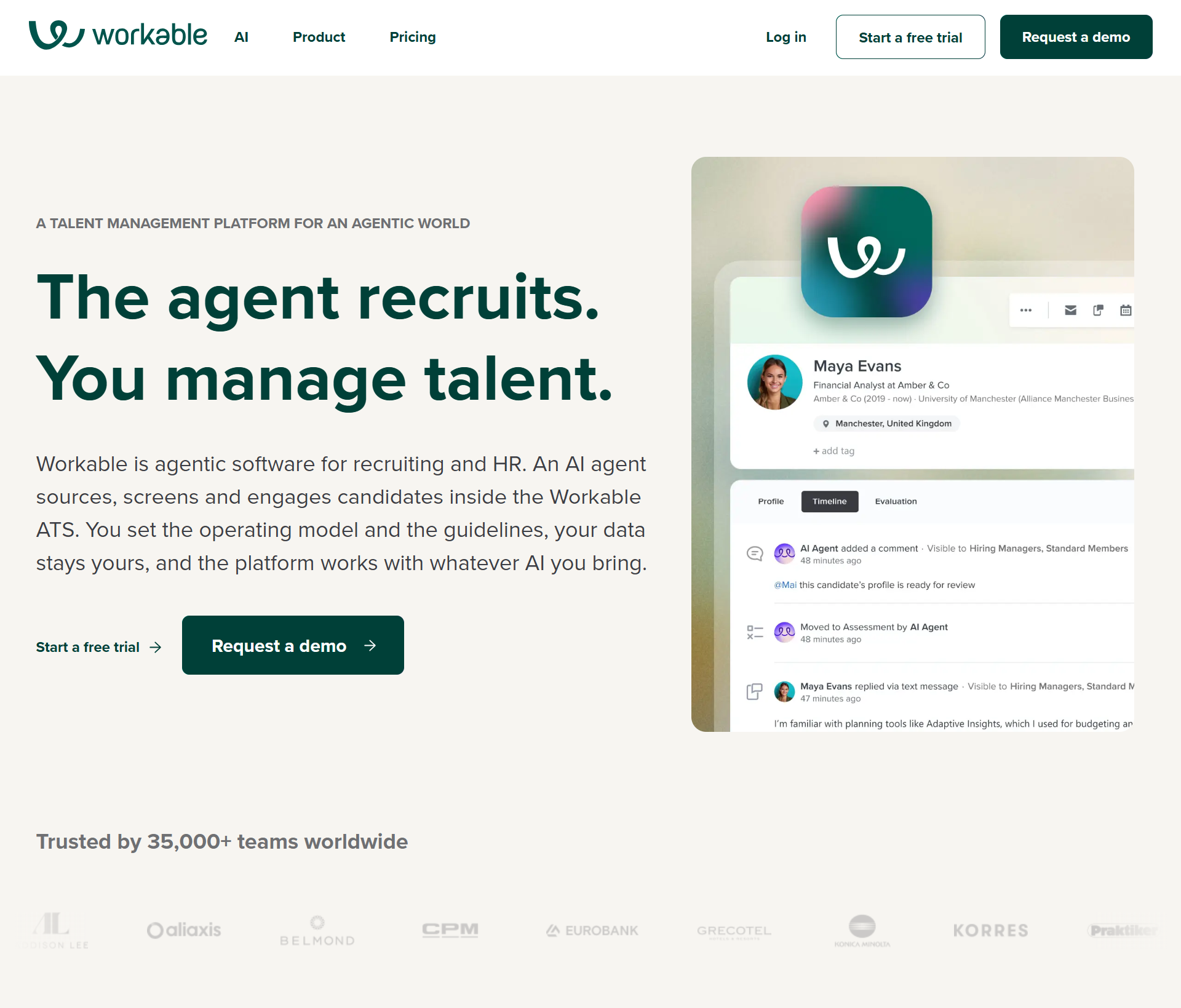
Workable is an HR and recruiting platform that helps businesses organize and manage their hiring process.
Workable offers automated workflows for sourcing, screening, interviewing, and offer management, and then continues into onboarding, employee management, performance reviews, time-off management, and payroll reporting.
Workable also provides a dedicated manager for onboarding, and multiple users have praised the platform for its smooth and structured onboarding, with the system going live in as little as 2 to 7 days and full implementation taking 1 to 2 weeks.
Workable currently offers built-in integrations with LinkedIn, Indeed, Glassdoor, Microsoft 365, G Suite, Zoom, Checkr, and Deel. It also provides an API for custom integrations.
Advantages for Startups: Workable offers plug-and-play implementation, which requires no training. It also offers mobile apps for both iOS and Android, drag and drop candidate management, and affordable entry pricing.
Why teams leave: AI and reporting are basic, LinkedIn capabilities are restricted at volume, limited visual customization for dashboards and pipelines, and feedback workflows are also fragmented.
G2 verdict: Users praised Workable for its ease of use and hiring automation, but criticized its pricing and limited customization as teams scale.
Honest verdict: A good starter ATS, but not built to scale.
Pricing: Workable's pricing starts at $299/month for the Standard plan, which provides enough structure without forcing the team into enterprise-level workflows. If you bundle the HR plan in it, this same plan becomes $359/month.
2. Lever
Best for startups at stage 1-2 who needs early CRM-style recruiting
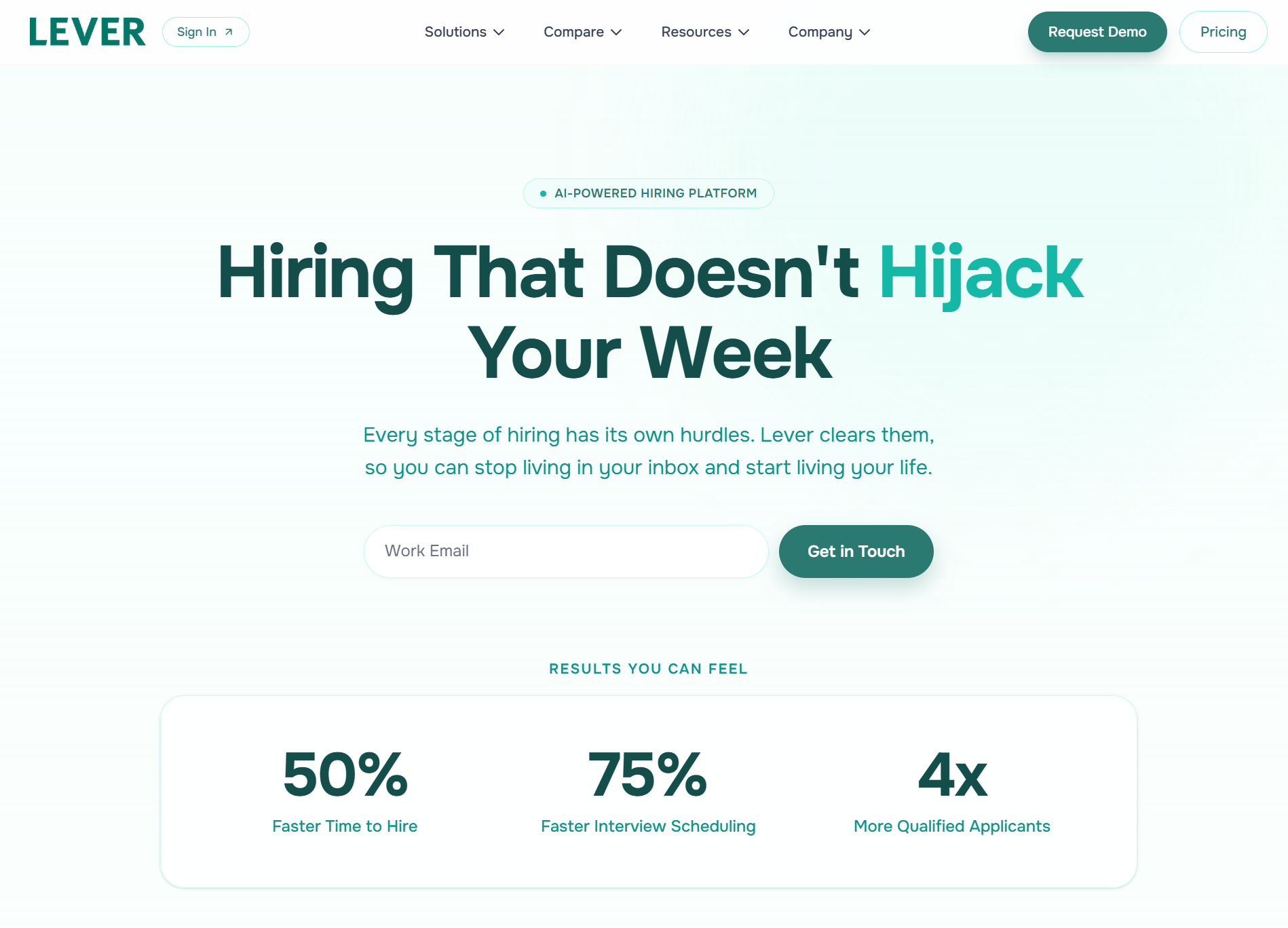
Lever is an AI-powered hiring platform with a built-in CRM system and is highly appreciated for being a collaborative tool.
It allows recruiters to source candidates, nurture talent pools, run engagement campaigns, track applicants, conduct interviews, and manage offers on a single platform. AI is embedded throughout these workflows.
Lever integrates with major HRIS, payroll, assessment, sourcing, communication, and productivity platforms, making it easier to fit into an existing HR technology stack and also offering an API for custom integrations.
Lever is full of features, so the implementation is comprehensive and typically takes 4–8 weeks, depending on company size. Companies need IT support to get the most out of it.
Advantages for Startups: A CRM-first approach is good for relationship-based hiring and is familiar to recruiters coming from larger companies. Other than this, the platform is intuitive and easy to use, offers drag-and-drop candidate stages, and has built-in SMS messaging. The learning curve is generally straightforward. Offer visual-recruiting customizable pipelines with color coding.
Why teams leave: The product has stagnated, glitches are well-documented, search functionality performs poorly at scale, and it struggles with complex workflows.
Honest verdict: Useful for founder-led or relationship-heavy hiring. Becomes a liability as volume and team size grow.
G2 verdict: Users praise Lever for its intuitive interface and recruiting workflows, but frequently criticize its customer support and reporting capabilities
Pricing: Lever uses a custom quote-based pricing mode, with its core ATS, CRM, reporting, AI screening, interview intelligence, and fraud detection capabilities included, while features such as Candidate Insights, AI Screening by VONQ, and Onboarding are available as add-ons.
3. Greenhouse
Best stage: Stage 2–3, but only if you have someone to own it
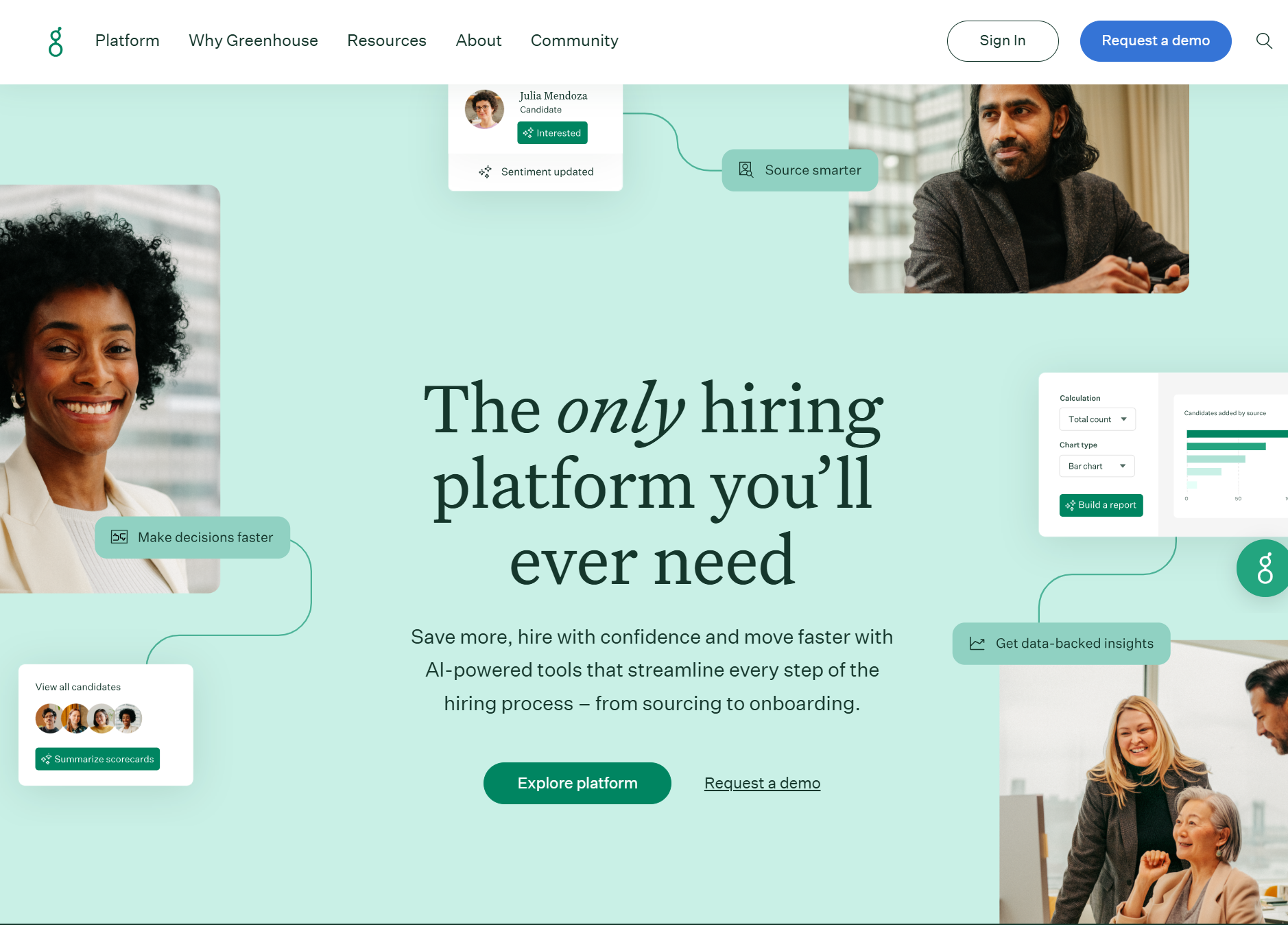
Greenhouse is one of the most popular all-in-one ATS tools, perfectly suited to meet high-volume hiring needs with scalable and customizable workflows.
Greenhouse supports the entire recruiting workflow with a comprehensive feature set, including sourcing, candidate relationship management, interviewing, hiring team collaboration, onboarding, analytics, and AI-assisted recruiting.
Greenhouse supports a larger integration ecosystem, with over 400 pre-built integrations and an open API.
Greenhouse takes 2–6 weeks for data migration, depending on data quality, complexity, and vendor responsiveness, and around 8 weeks for implementation.
The initial setup process is somewhat complex and comes with a learning curve for new users.
Advantages for Startups: Strong, structured hiring workflows, an intuitive platform, drag-and-drop features, good compliance support, and brand credibility. Smaller teams praise it for keeping processes equitable and organized.
Why teams leave: Implementation is heavy, reporting is complex and often requires Excel exports, pricing is high for what you get at the lower tiers, and the essential plan withholds key features like bulk actions and candidate self-scheduling.
G2 verdict: Reviewers love Greenhouse's structured hiring process and user-friendly experience, but often cite reporting limitations and a steep learning curve.
Honest verdict: Best for tech startups and fast-growing companies. Built for teams with an HR ops function to configure and maintain it. Wrong fit for a two-person TA team at Series A.
Pricing: Greenhouse uses a custom quote-based pricing model with three tiers: Core, Plus, and Pro, where costs are determined by factors such as hiring volume, organizational complexity, and required features, rather than being publicly disclosed.
4. Ashby
Best stage: Stage 2–3, but only if you are technically sophisticated teams
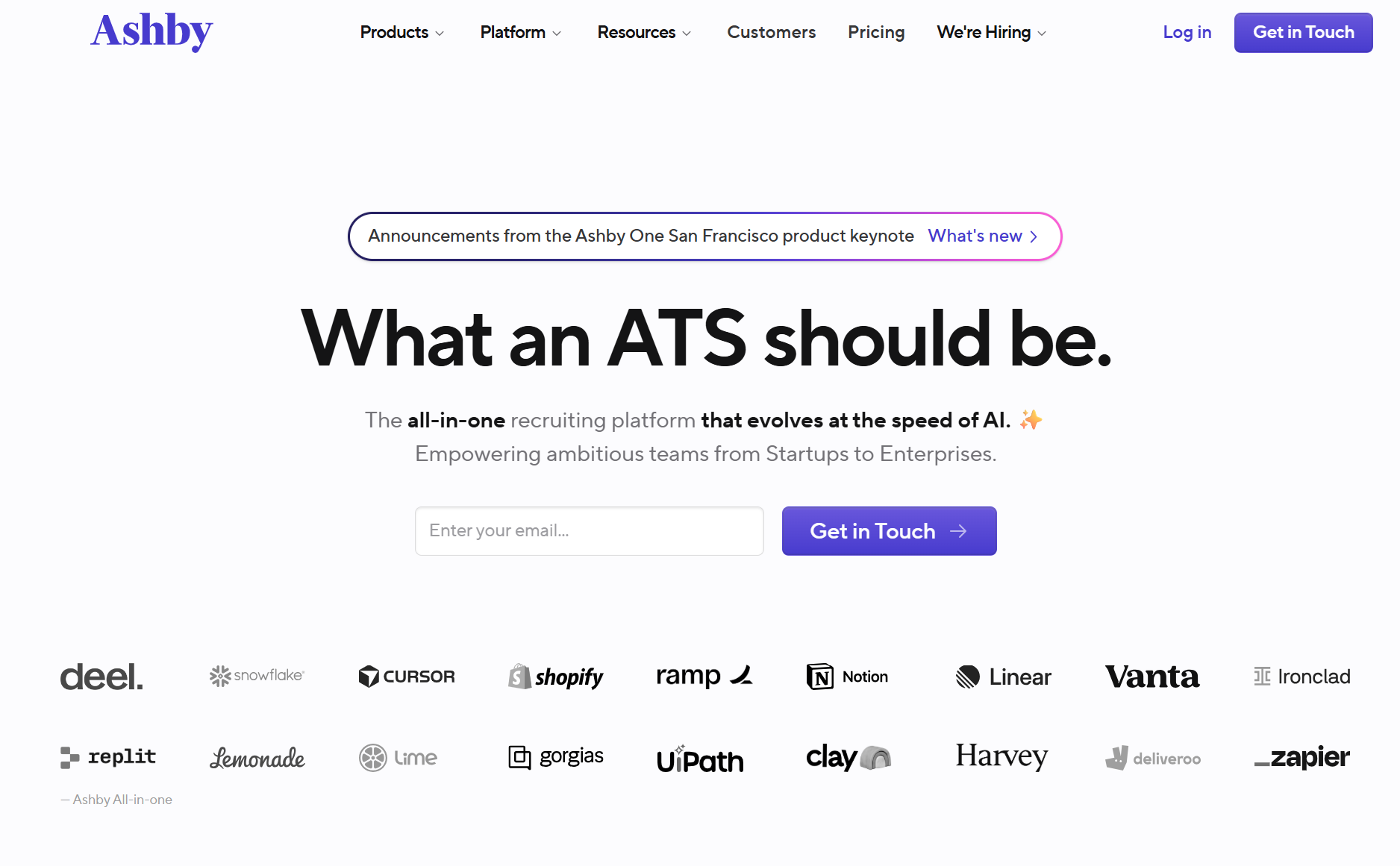
Ashby is a technically mature recruiting software. It offers a full suite that handles ATS, CRM & sourcing, scheduling, and analytics in a single platform.
Ashby takes an assistive approach to AI, embedding it in application review, candidate rediscovery, sourcing outreach, scheduling, interview note-taking, and feedback summaries to analytics.
Ashby's data migration is relatively fast. Once an API key is provided, migration typically takes just 2–3 days, while implementation usually ranges from 1–3 months.
Ashby supports 250+ native integrations, including Workday, Slack, and Zapier, along with an open API for custom integrations.
Advantages for Startups: Deep analytics, strong automation, proactive customer support team, advanced workflows customization, smooth integration process, robust reporting (in comparison to Greenhosur), and genuine all-in-one positioning.
Why teams leave: UI has a learning curve, the depth that makes it powerful also makes it overwhelming for non-technical users. Reporting power requires someone who knows how to use it. Better for teams with a dedicated TA ops mindset.
G2 verdict: Ashby earns high praise for its intuitive interface, reporting, automation, and customer support, while its extensive features can take time to master.
Honest verdict: A strong choice for technically oriented teams at Series B and beyond. Not the right first ATS.
Pricing: Ashby offers a transparent startup plan starting at $400/month for companies up to 100 employees, while its Growth and Enterprise plans use custom pricing based on company size, usage, and contract terms.
5. Kula
Best stage: Stage 2–3, for teams consolidating a Franken-stack or outgrowing Lever/Workable
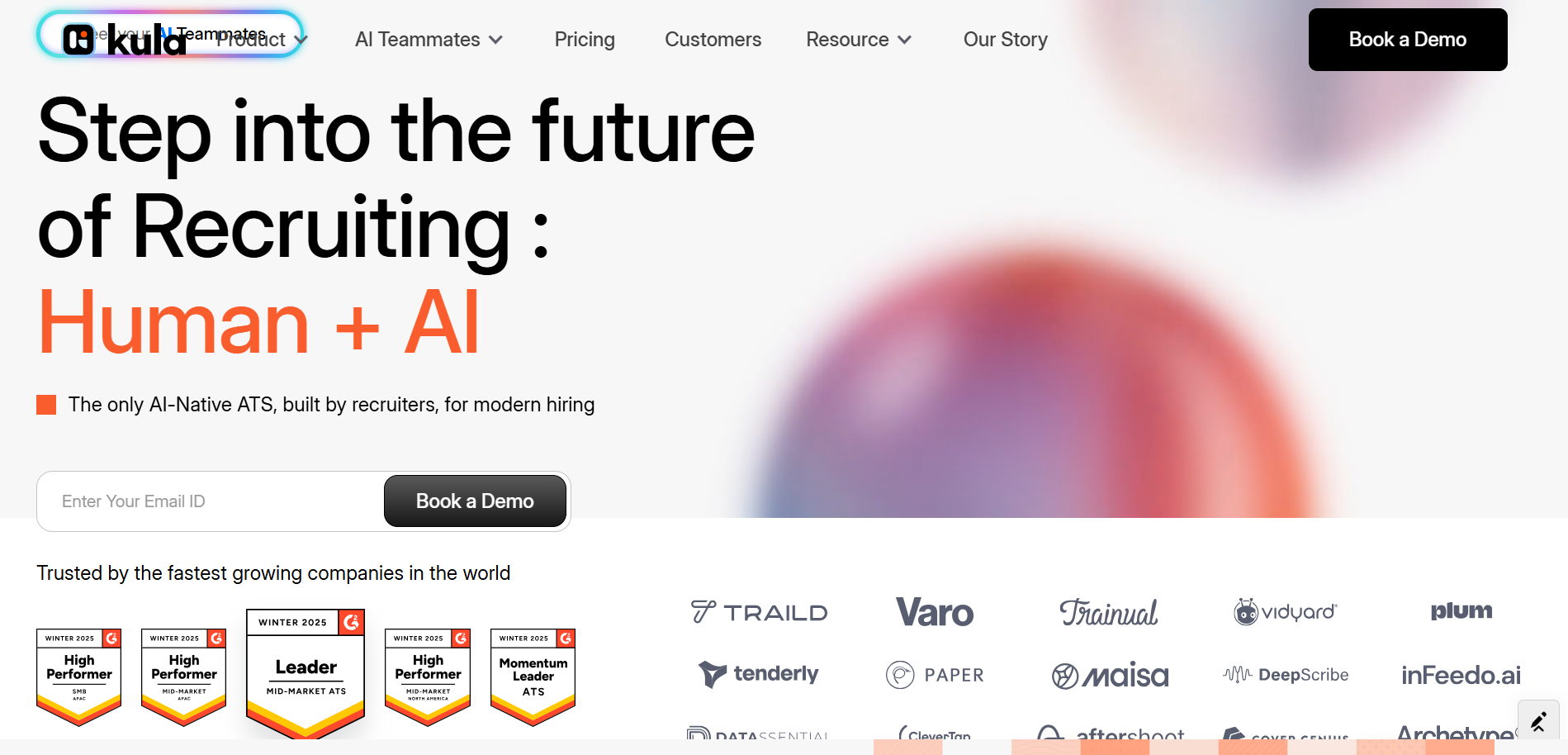
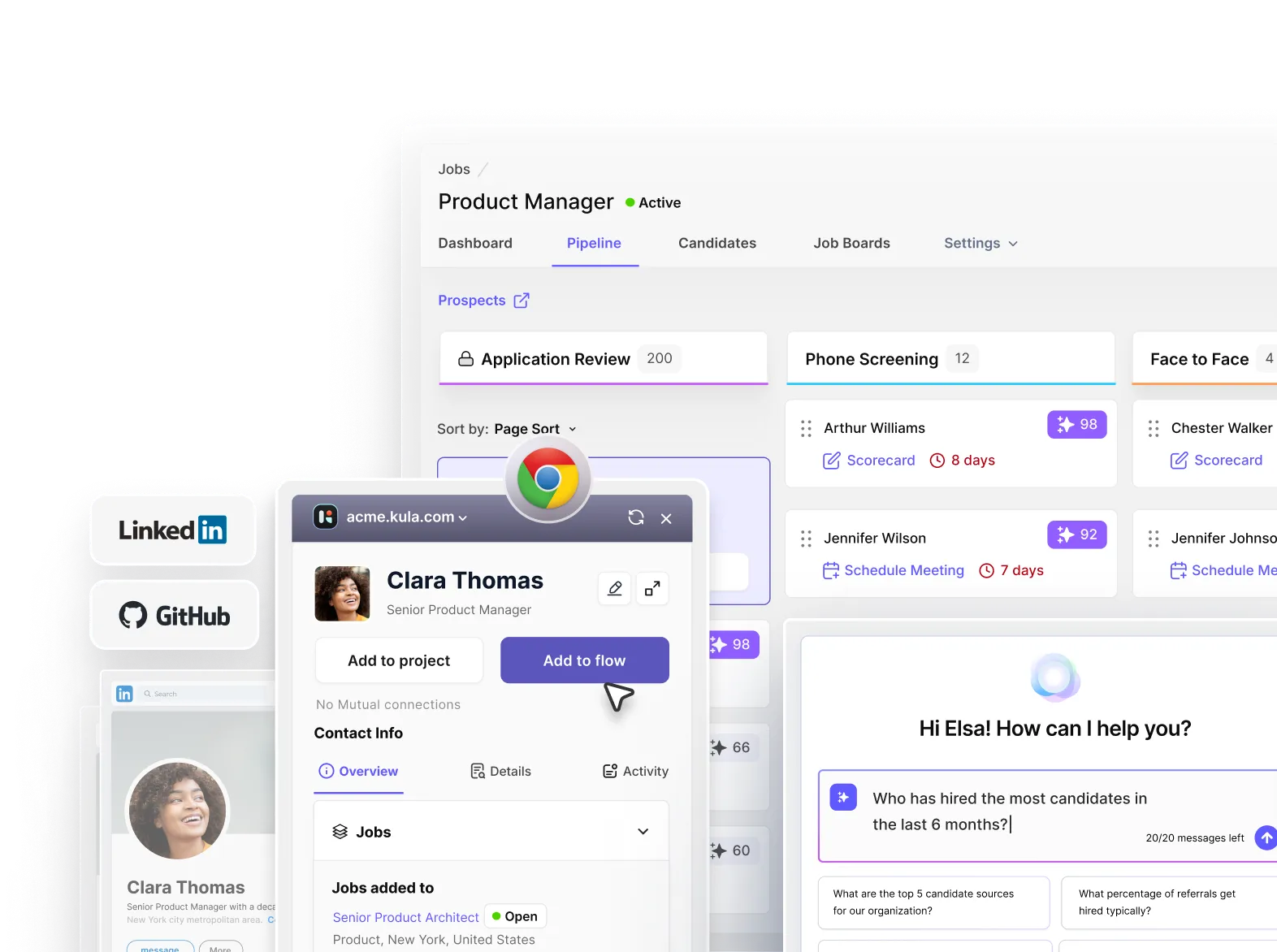
Kula is an all-in-one, AI-native platform with all-inclusive pricing that includes every add-on, built specifically for the 50–500 company that has enterprise-level problems but startup-level tolerance for complexity.
It combines ATS, CRM, candidate sourcing, AI-powered screening, interview scheduling, interview intelligence, AI analytics, and offer management into a single platform.
The platform also emphasizes responsible AI by providing transparent scoring explanations, bias monitoring, and compliance with regulations such as NYC Local Law 144, while supporting enterprise needs with 100+ integrations.
Although Kula's full implementation typically takes 4–6 weeks, most teams find the platform easy to adopt because of its intuitive interface, drag-and-drop functionality, and visual pipelines.
Why teams choose it: All-in-one platform that replaces ATS, plus sourcing, plus scheduling, plus analytics, AI-native from the ground up, and fast implementation.
Why teams leave: Wrong for a 10-person company making its first five hires.
G2 verdict: Reviewers appreciate Kula's modern UI, AI features, automation, and ease of use, though reporting capabilities and advanced customization still have room to mature.
Honest verdict: Right for a team that is managing multiple tools, hitting manual workflow ceilings, and needs to consolidate without a six-month implementation.
Pricing: Kula follows a transparent, headcount-based pricing model, starting at $4,800/year (1–50 employees), with every plan including all ATS features, unlimited AI, integrations, implementation, and dedicated support at no extra cost.
If your hiring process has outgrown your ATS, Kula is built to replace multiple recruiting tools with a single platform instead of adding another layer to your stack.
Book a demo to see how Kula can simplify your hiring stack as your team grows.